AI Workflow Automation People Can Trust
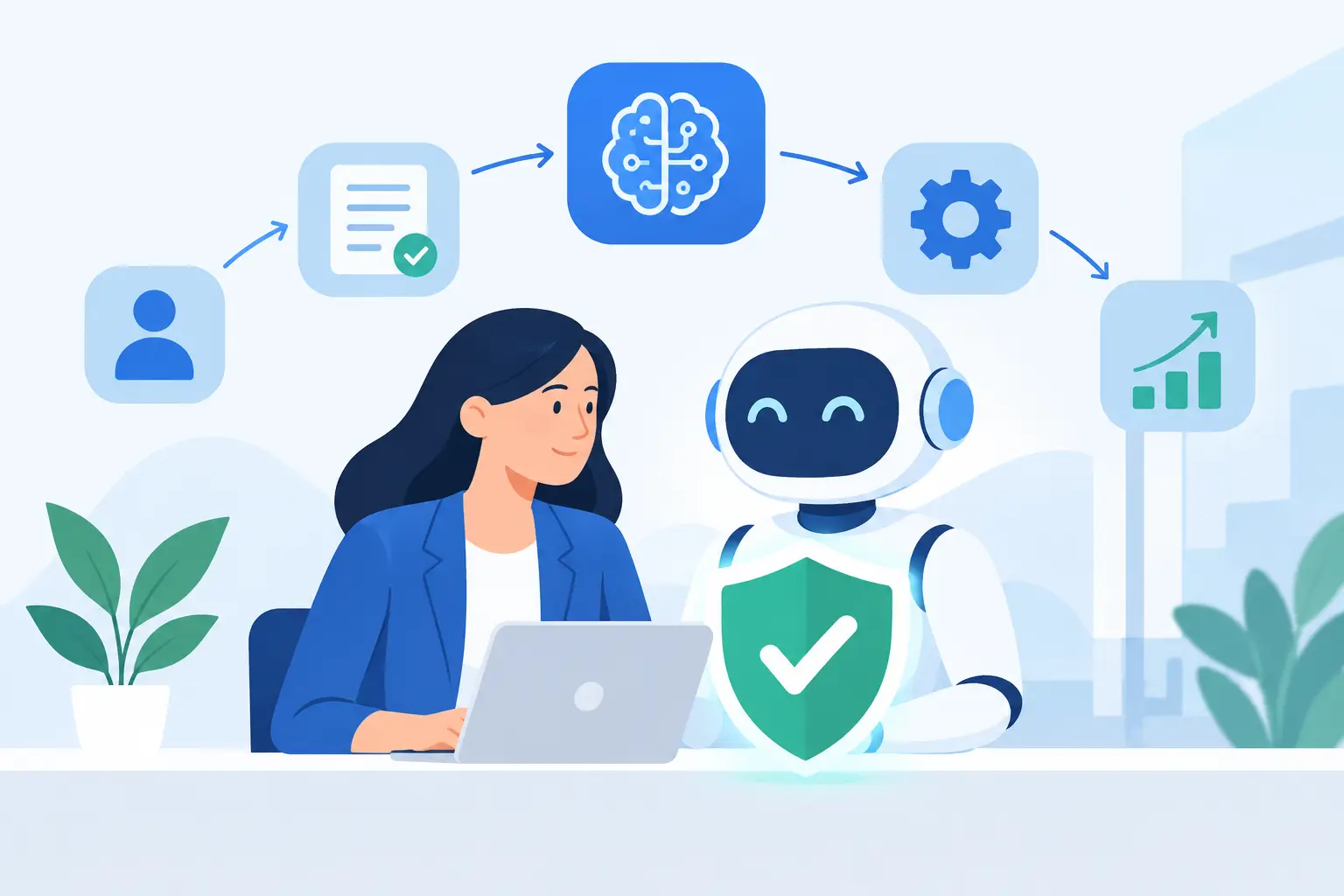
A workflow is not improved because an AI model touched it. It is improved when the right person gets a useful result sooner, with less repetitive effort and no new mystery around who made the decision. That is the standard for AI workflow automation.
For a small team, the temptation is obvious: connect an inbox, a document store, a CRM, and a model, then call the result an AI agent. But automation that acts broadly, explains poorly, and handles sensitive data carelessly creates a faster route to mistakes. The useful work is narrower: identify repetitive steps, define the acceptable output, and build controls around the moments where judgment matters.
Start with the work, not the model
The best candidates for automation are usually already visible in a team's day. A support team categorizes similar requests before a human responds. A product team turns call notes into a structured list of themes. An operations lead checks whether incoming documents contain required fields. An engineer summarizes a long incident thread before writing the postmortem.
None of these tasks require handing over authority. They require reducing the time spent finding, sorting, formatting, or drafting. That distinction matters. AI is often good at turning messy language into a useful first pass. It is much less dependable when asked to infer company policy, approve an exception, or make an irreversible change without context.
Before choosing a tool, describe the workflow in plain language. What starts it? What information does it need? What should it produce? Who reviews it? What happens when it is wrong or uncertain? If those answers are vague, adding AI will make the vagueness harder to inspect.
AI workflow automation needs a clear boundary
A practical AI workflow automation system has a defined perimeter. Inputs are known. Outputs are limited. Actions are constrained. A person can see what happened and intervene when needed.
Consider an intake process for customer feedback. An AI step can extract the product area mentioned, classify the request, identify urgency signals, and prepare a short summary. It can then place that draft in a review queue. That is useful automation because the machine handles repetitive reading while the team retains control over prioritization and response.
The same workflow becomes risky if the system automatically promises features, changes an account, or sends a sensitive reply based only on a probabilistic output. The issue is not that models are uniquely dangerous. The issue is that language can sound confident even when the underlying conclusion is weak.
A good rule is simple: automate preparation before you automate commitment. Let software collect context, make drafts, route work, and flag exceptions. Keep pricing decisions, customer promises, access changes, financial approvals, and other consequential actions behind explicit review until there is strong evidence that a narrower automatic action is safe.
Decide where data can go
Privacy is an architecture decision, not a sentence in a launch announcement. Every AI feature should answer a basic question: what data enters the system, where is it processed, what is retained, and who can access it?
The answer may differ by workflow. A public knowledge-base article may be appropriate for a hosted model. A customer contract, medical note, source code repository, or internal roadmap may require stricter controls, a different provider arrangement, local processing, or no AI processing at all. There is no honest one-size-fits-all answer.
Data minimization is the practical starting point. Send only the fields required for the task. Remove identifiers when they do not improve the result. Do not pass an entire customer record to produce a two-sentence ticket summary. Keep credentials out of prompts and logs. Set retention expectations before building, rather than discovering them after production data has already moved through a new vendor.
This is also where product teams need to resist feature theater. A model connected to every company system may make for a dramatic demo. It also expands the blast radius of a bad permission, a confused instruction, or a poorly designed integration. Smaller scope is often better engineering.
Build the workflow as a series of checkable steps
Useful automation is rarely one giant prompt. It is a sequence of small operations that can be measured and improved independently.
A document-processing flow, for example, might first confirm file type and permissions. Next, it extracts text. Then it applies a structured classification prompt. A validation step checks that required fields are present and that the output matches a schema. Finally, it routes the result to a person or a downstream system. Each stage has a job. Each stage can fail visibly.
Structured output is especially valuable. Ask for defined fields, accepted categories, confidence signals, and source references where possible. Do not rely on prose that another system must interpret later. If an output determines where work goes, the routing logic should be understandable without reading a paragraph of model-generated text.
Fallback behavior deserves equal attention. If the model times out, returns an invalid format, sees conflicting information, or has low confidence, the workflow should stop safely or route the item to a person. Quietly guessing is not a fallback plan.
Measure outcomes, not model activity
Teams can easily mistake usage for progress. Hundreds of generated summaries do not prove that the system saved time. A large prompt library does not prove that the workflow is reliable.
Measure the operational result instead. Look at turnaround time, rework rate, reviewer acceptance rate, incorrect routing, escalation volume, and the percentage of cases that still need manual handling. For customer-facing workflows, also watch complaint patterns and whether the tone or accuracy of replies has changed.
A baseline matters. Time the manual process before automating it. Then compare the real cost of review, exception handling, monitoring, and vendor usage against the saved effort. Some workflows should remain manual because the volume is low, the context is too specialized, or a bad output costs more than the time saved.
Evaluation should use real examples, including the uncomfortable ones: incomplete forms, contradictory requests, unusual names, multilingual text, outdated policy references, and sensitive edge cases. Test sets are not paperwork. They are how a team finds out whether a system is dependable before customers do.
Give people a way to disagree
An AI-generated result should not trap the person using it. Reviewers need to edit, reject, reroute, or override an output without fighting the interface. They also need enough context to understand why the system reached that result.
This does not require exposing every internal model detail. It does require clear labels, source material when appropriate, and an obvious distinction between a draft and a final action. If the system made a recommendation from incomplete information, say so. If it could not verify a fact, do not present the fact as settled.
The same principle applies to customers. When AI contributes to a support or product experience, trust comes from useful behavior and honest boundaries, not from pretending the system is more certain or more human than it is.
Ship narrowly, then earn more automation
The fastest path is not to automate an entire department. It is to pick one workflow with repeatable inputs, a measurable outcome, and a low-risk review path. Run it with a small group, inspect failures, refine the data boundary, and expand only after the evidence supports it.
For client products, uAgency approaches AI-enabled features as product and engineering work, not as a model bolted onto a dashboard. That means defining the user action, the system boundary, the review path, and the operational behavior before calling a feature complete.
There is a trade-off here. Narrow systems may look less ambitious than autonomous agents that claim to handle everything. They are also easier to test, cheaper to operate, safer to change, and more likely to earn daily use. Small on purpose is often the right technical decision.
The next useful automation is usually hiding in the work your team repeats every week. Map that work carefully, remove only the friction that does not require human judgment, and make every remaining decision easier for a person to own.