Blog
uChecker Selected Text Troubleshooting on Mac
Fix uChecker selected text troubleshooting issues with practical Mac checks for selection, panel review, local processing, and optional Pro endpoints.
AI Integration Privacy Testing Checklist for Teams
Test AI integration privacy before release: verify payloads, tenant access, consent, logs, retries, fallbacks, deletion and retention.
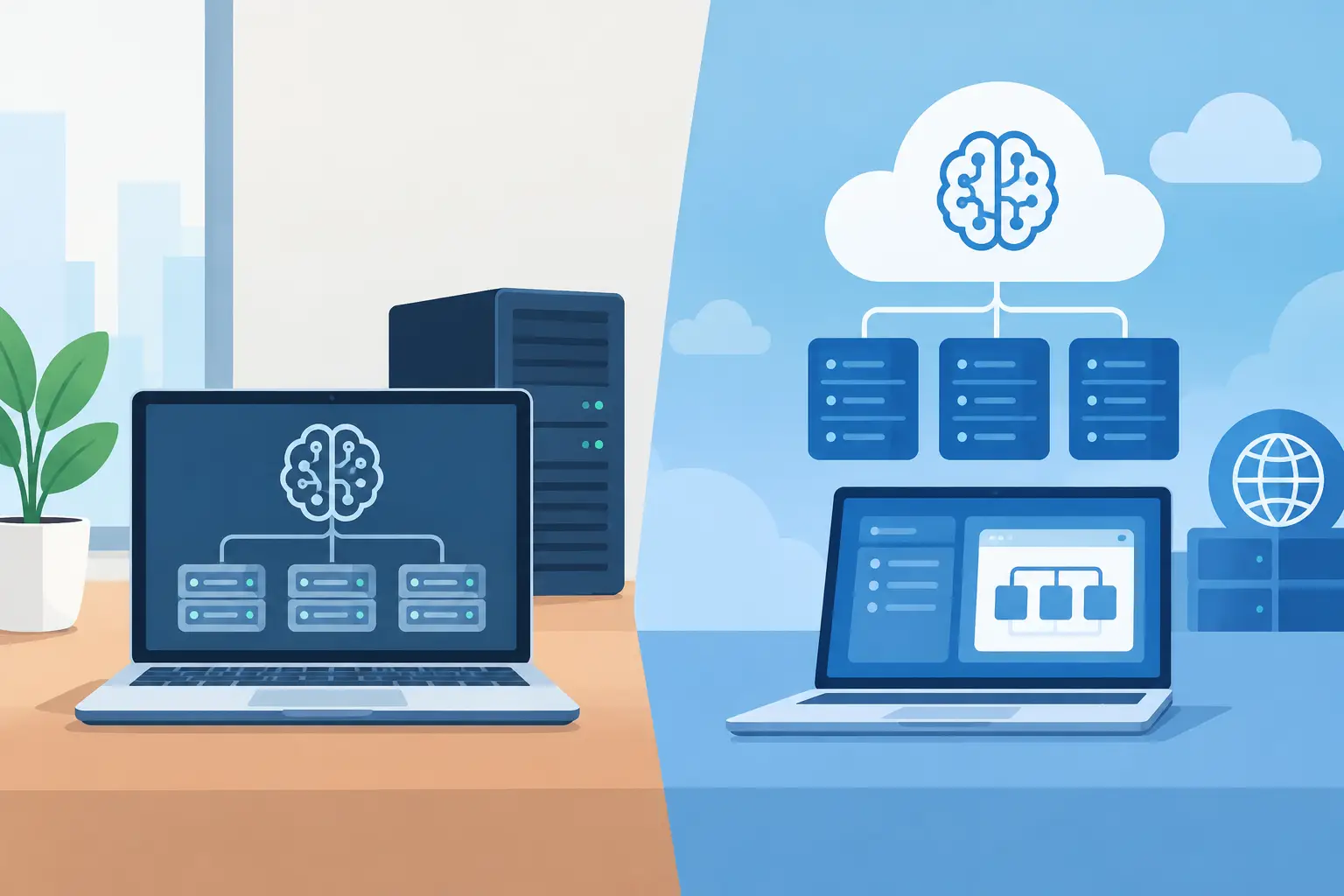
Local Versus Hosted AI for SaaS Architecture
Compare local, self-hosted and hosted AI for SaaS: data flows, model quality, latency, costs and fallbacks that fit your product and team.

Mac Text Rephrasing Workflow Guide for Focused Work
Use this Mac text rephrasing workflow guide to select a passage, review every suggested revision, and copy back with clear, practical privacy choices.
Best Startup API Patterns That Keep Teams Moving
Best startup API patterns for small teams: stable contracts, clear errors, safe changes, and observability without enterprise overhead or needless delay.

uNotch Weather Privacy: What Leaves Your Mac
uNotch Weather privacy: what MapKit and WeatherKit receive, what stays on your Mac, and how to turn off both weather displays.
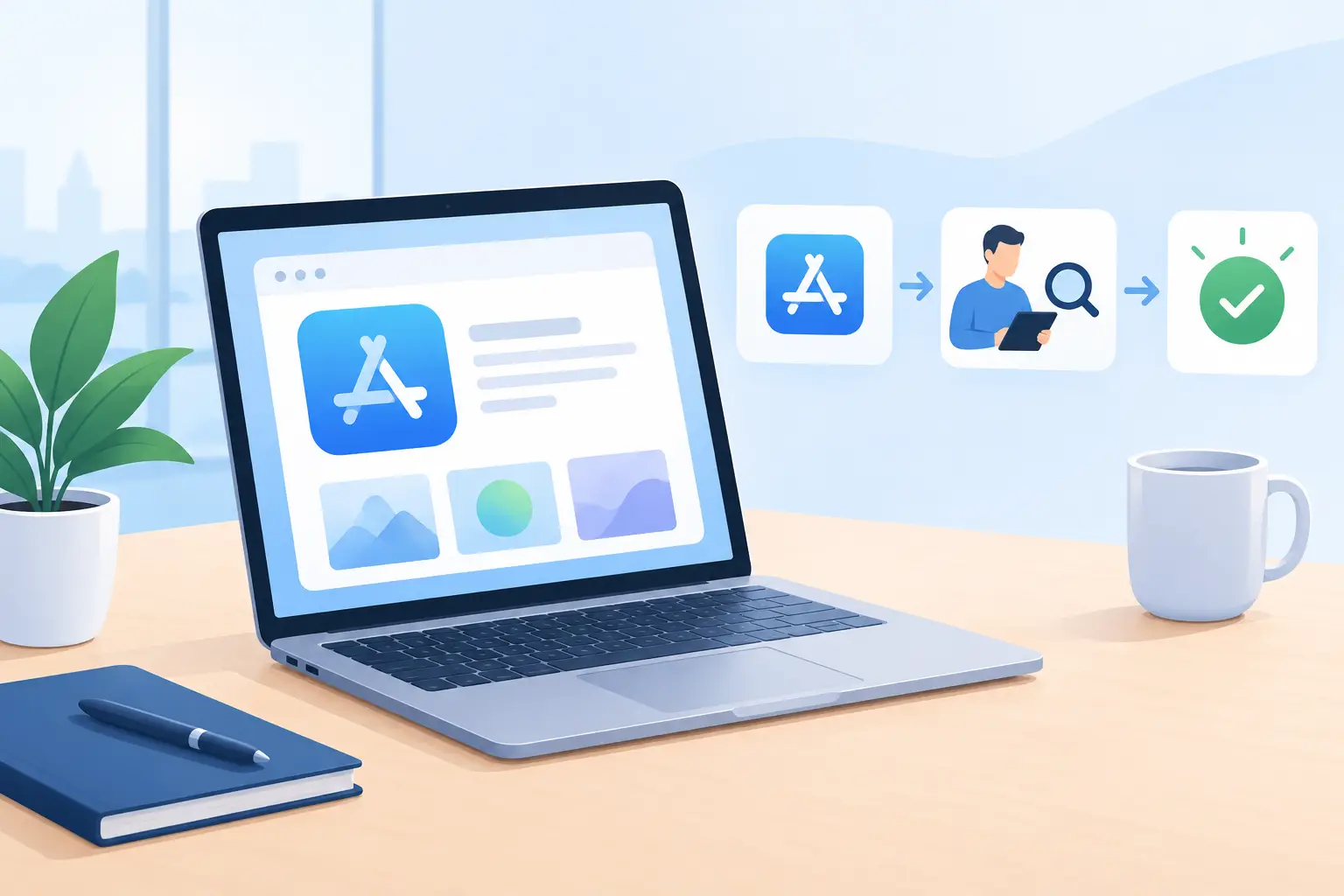
App Store Review Process Guide for Mac Apps
Prepare your Mac app for App Store review: check privacy disclosures, permissions, metadata, builds and reviewer notes before submission.
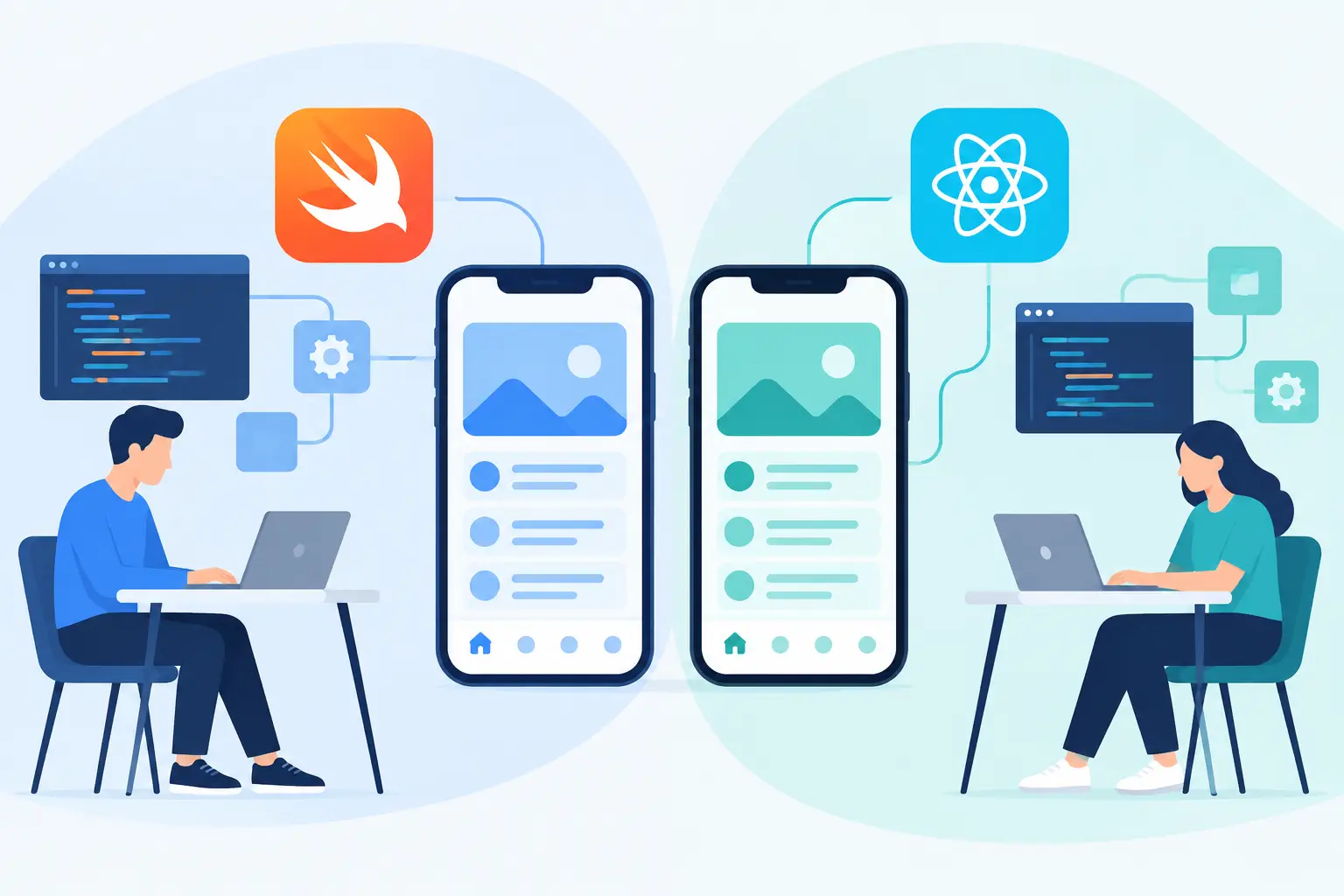
SwiftUI Versus React Native for iOS MVPs
SwiftUI versus React Native for iOS MVPs: compare platform fit, team skills, delivery speed, and maintenance before choosing a build path for iOS teams.
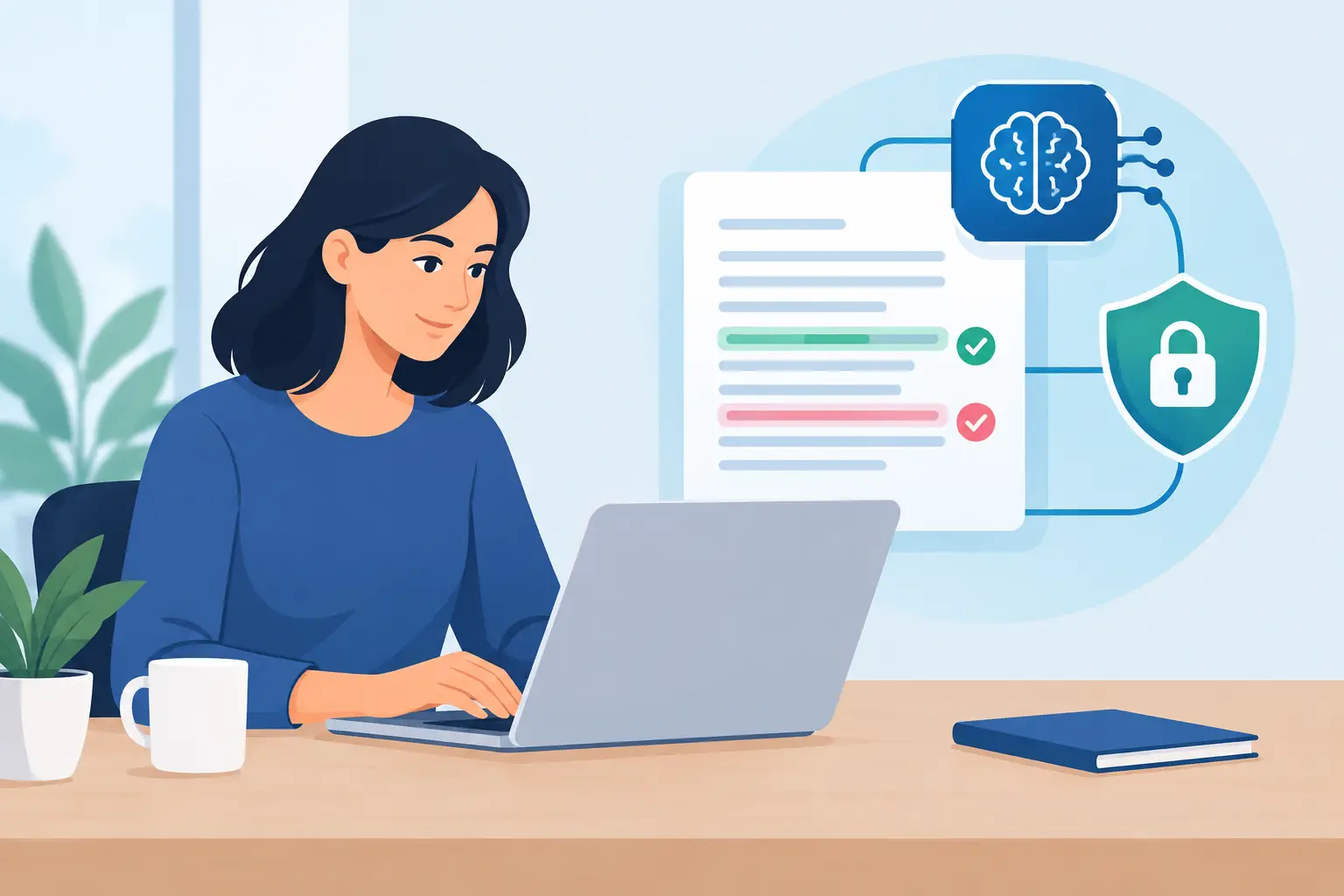
How to Configure Private AI Proofreading
Configure private AI proofreading in uChecker: keep routine checks on your Mac, then choose a custom endpoint only when remote help fits the work best.

Do Mac Widgets Drain Battery? Test Them Properly
Do Mac widgets drain battery? Learn what drives their energy use and run a repeatable test before deciding which desktop widgets stay active on your Mac.
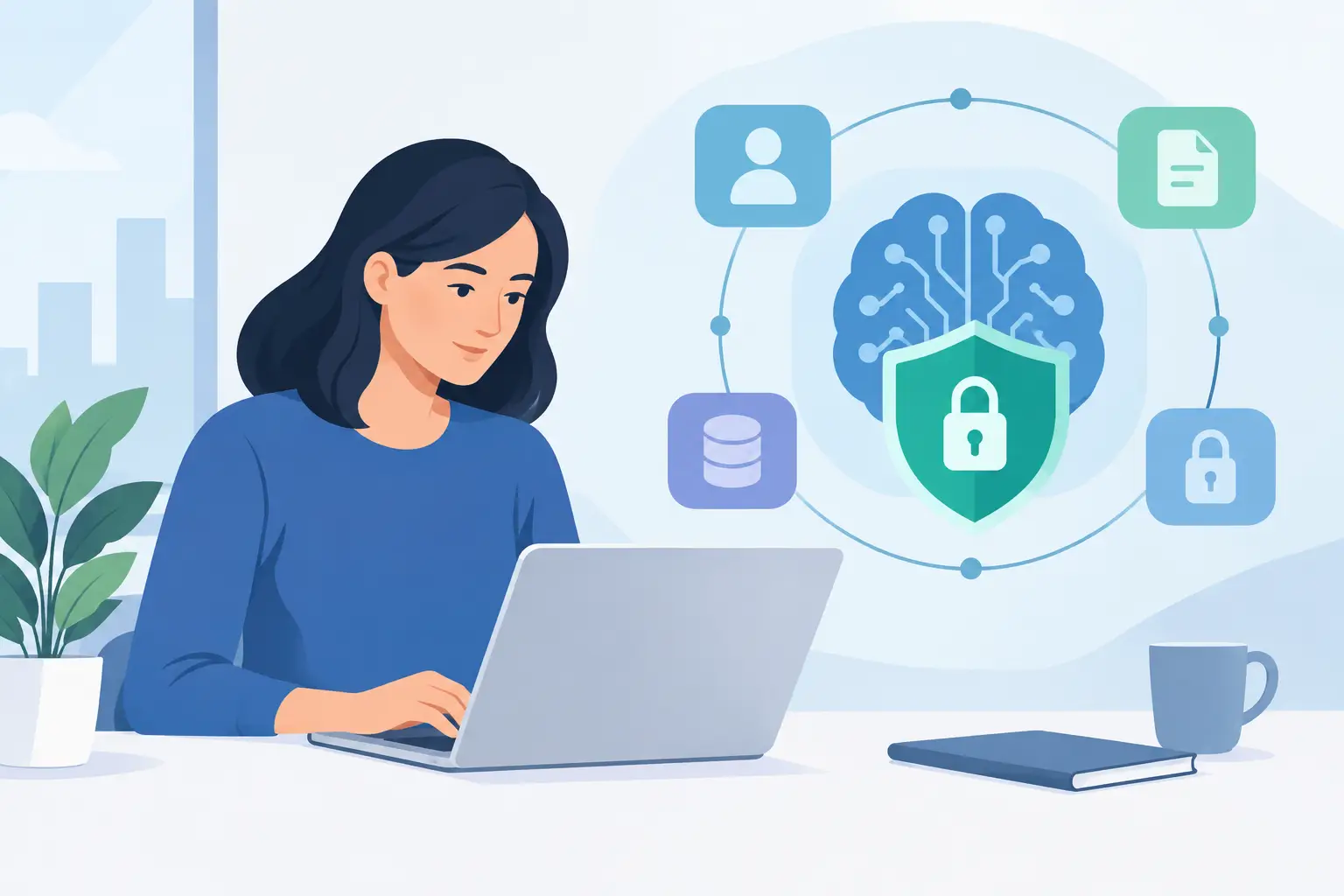
How to Build Privacy-Conscious AI Features
Learn to build privacy conscious AI features with clear data boundaries, local defaults, honest consent, and controls people can actually use every day.
Top App Release Mistakes That Cost Teams Time
Avoid the top app release mistakes that turn solid builds into support tickets, review delays, and lost trust. A real checklist for shipping with care.
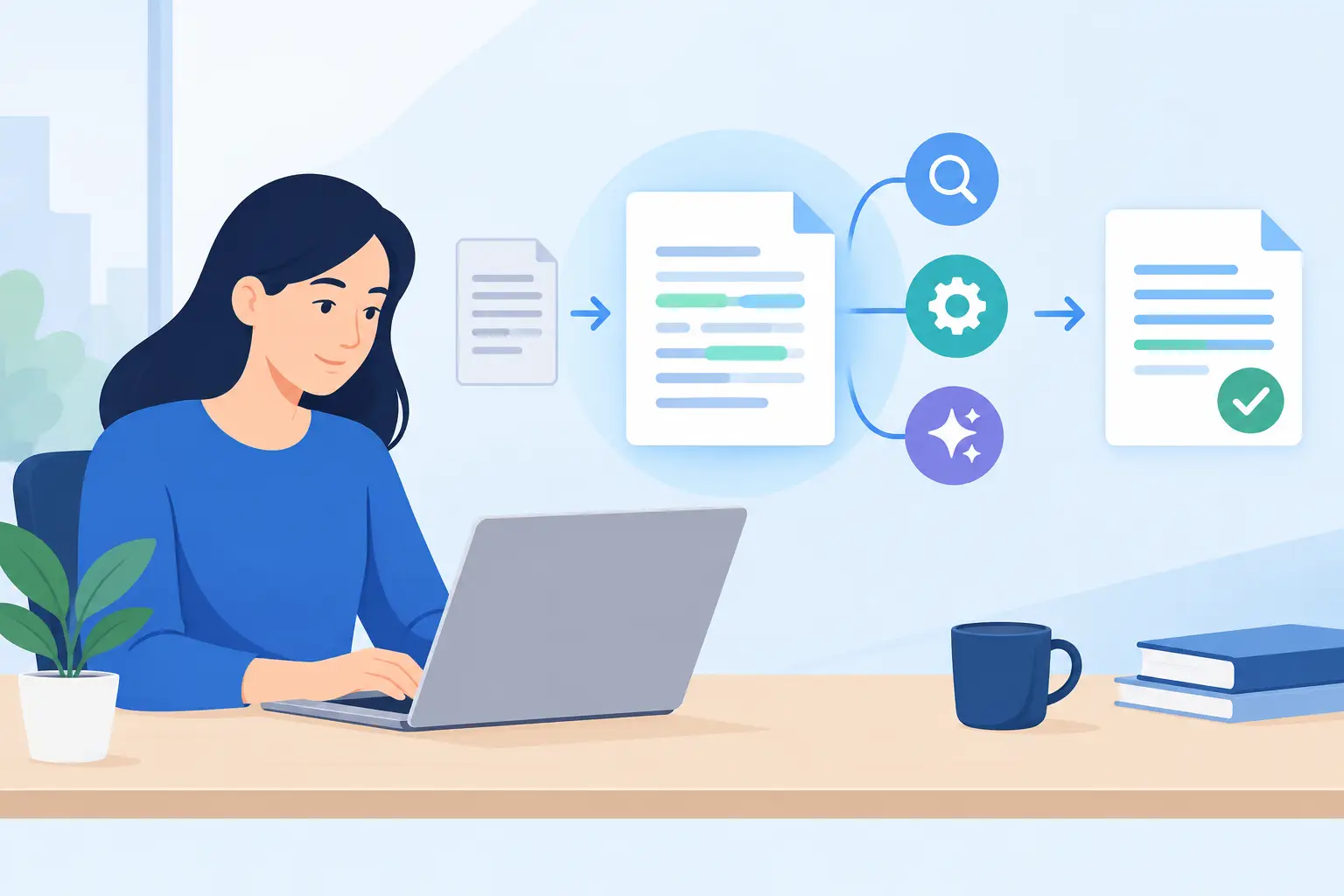
How uChecker Text Processing Handles Your Writing
uChecker text processing checks selected writing on your Mac by default, then presents a corrected copy for review, control, and manual paste as needed.
Software Privacy Trends That Change Product Decisions
Software privacy trends are moving into product decisions: local processing, clear consent, AI controls and accountable data design for teams.
How to Prepare a Google Play Release for Review
Learn how to prepare a Google Play release with a practical checklist for builds, policy, privacy, testing, store copy, and a clean launch with confidence.
Native Development Is a Product Decision
Native development gives Apple apps the speed, privacy, and platform fit users notice - while keeping product teams closer to the code that matters most.
App Submission Example Reviewers Can Test
Use this app submission example to write clear store metadata, privacy answers, review notes, and release details that help reviewers test the build.
What Belongs in Privacy Nutrition Labels?
What belongs in privacy nutrition labels? Learn the data, purpose, recipients, retention, permissions, defaults, and limits a useful label should show.

AI Product Trends That Actually Matter in 2026
AI product trends are shifting from chat demos to useful, private workflows. Here is what product teams should build, test, and refuse to ship in 2026.
Backend Infrastructure That Lets Products Ship
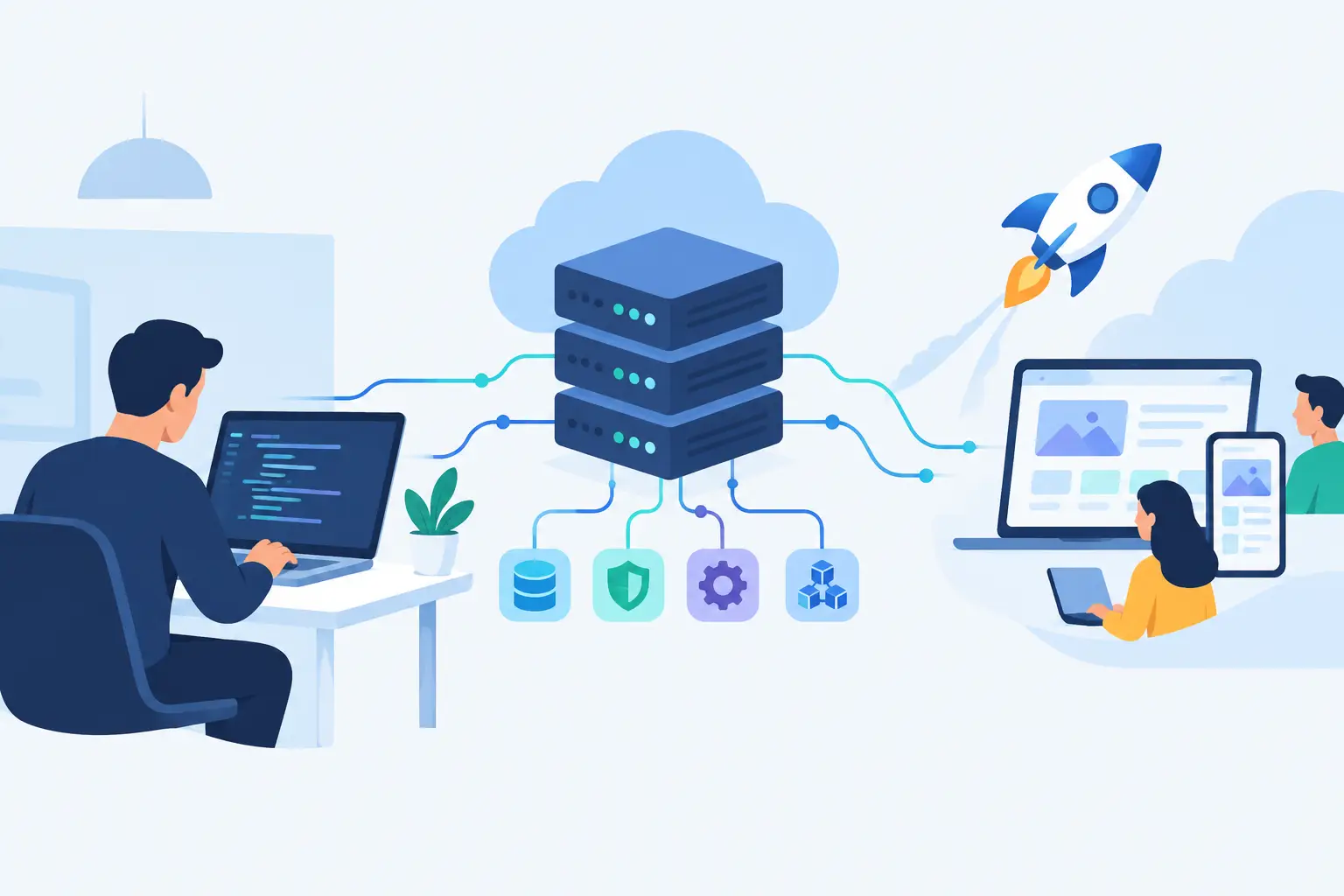
Backend infrastructure is the product work users never see: APIs, data, deployment, security, and observability designed to keep teams shipping safely.
When Should Startups Audit Their Architecture?
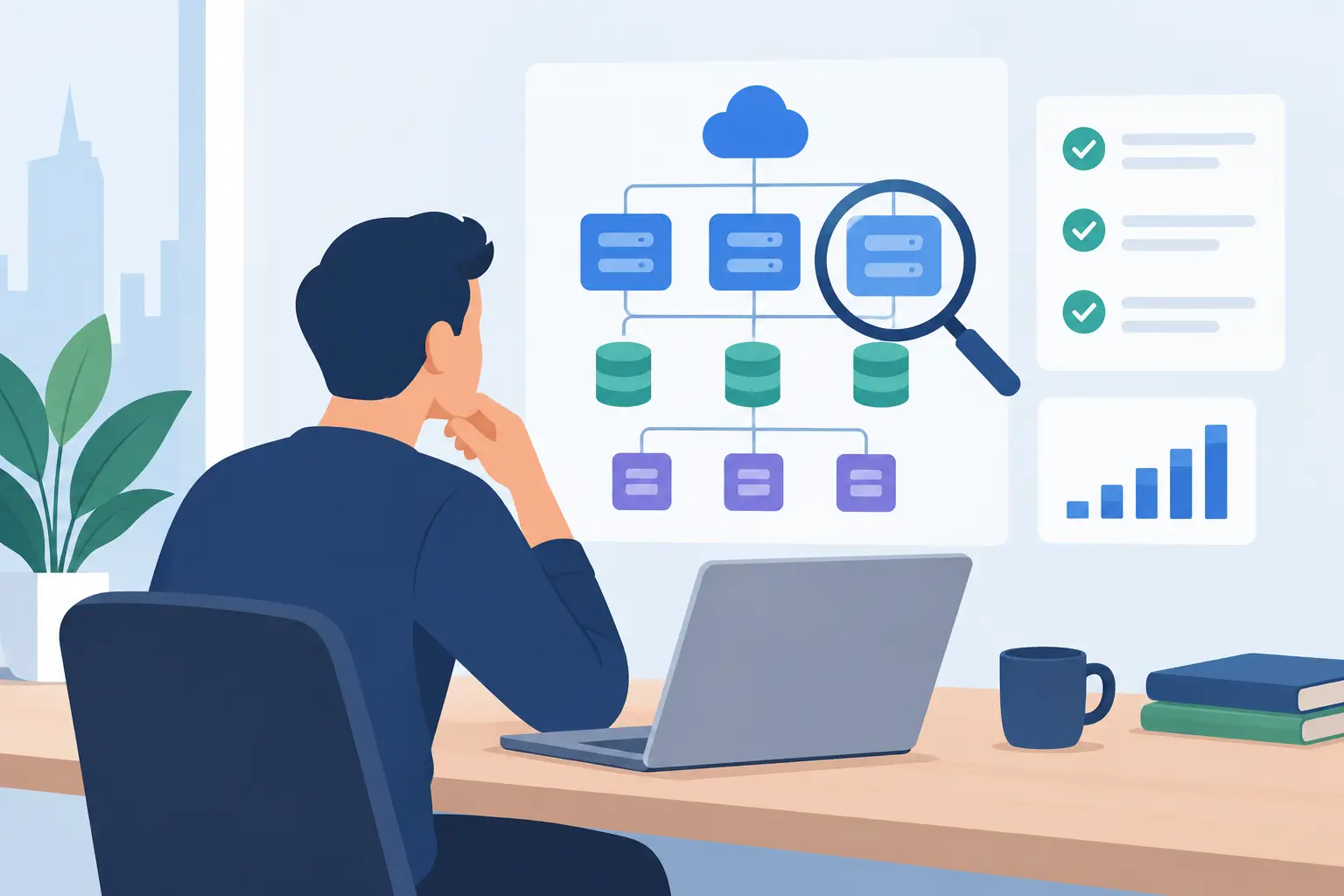
When should startups audit architecture? Spot delivery drag, incidents, unclear ownership, and risky releases before technical debt sets the agenda again.

macOS Privacy Settings for Writers That Matter
Set up macOS privacy settings for writers with practical choices for permissions, syncing, AI tools, backups, and a distraction-free writing workflow.
How to Proofread Selected Mac Text Without Disruption
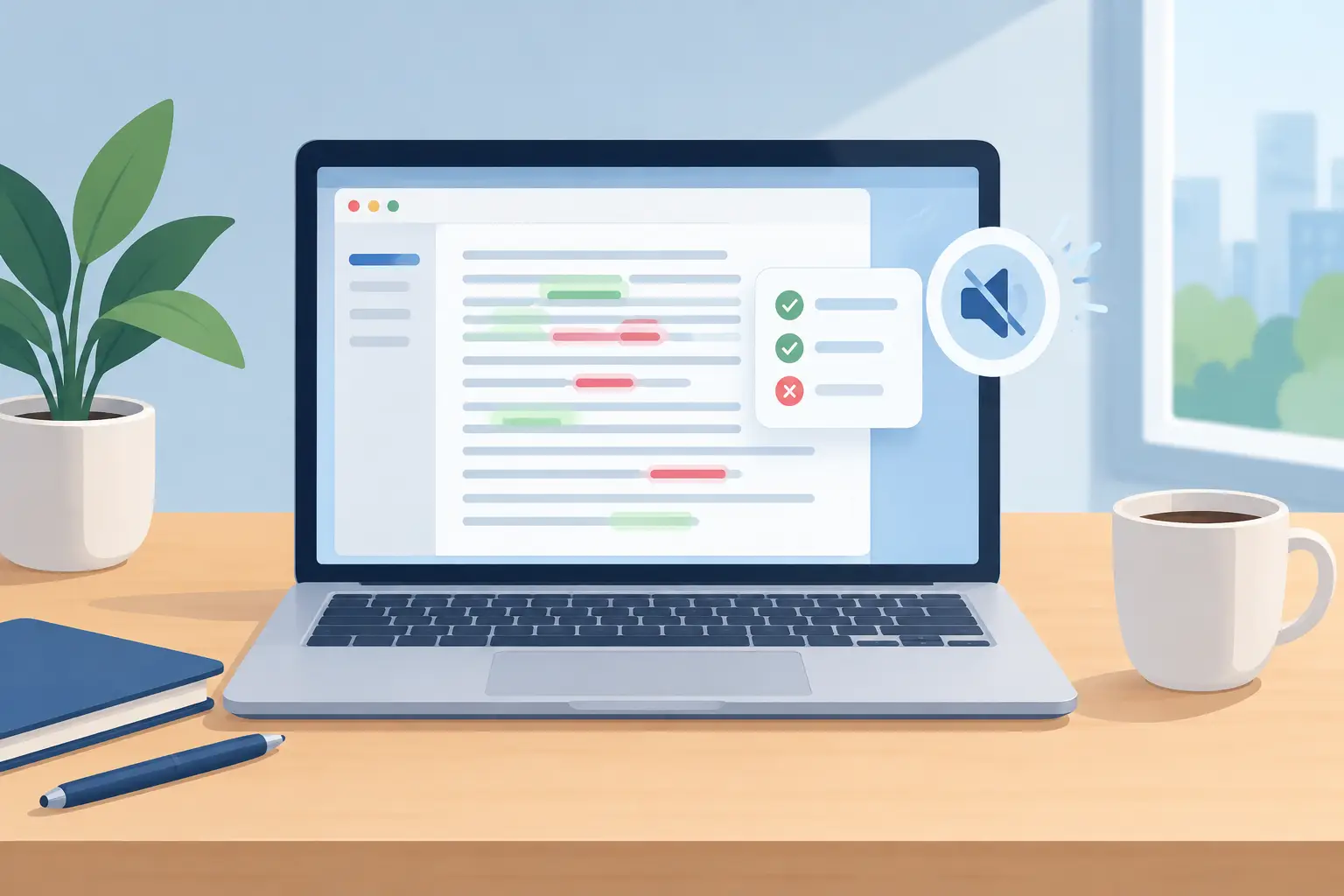
Learn how to proofread selected Mac text with built-in macOS tools and uChecker, choosing local checks or an endpoint you control as needed.

How a Notch Productivity Panel Keeps Work Moving
Keep calendar events, timers, files, and system readouts close with a notch productivity panel that also works on Macs without a physical notch.
Privacy Engineering: Build Trust Into the Product
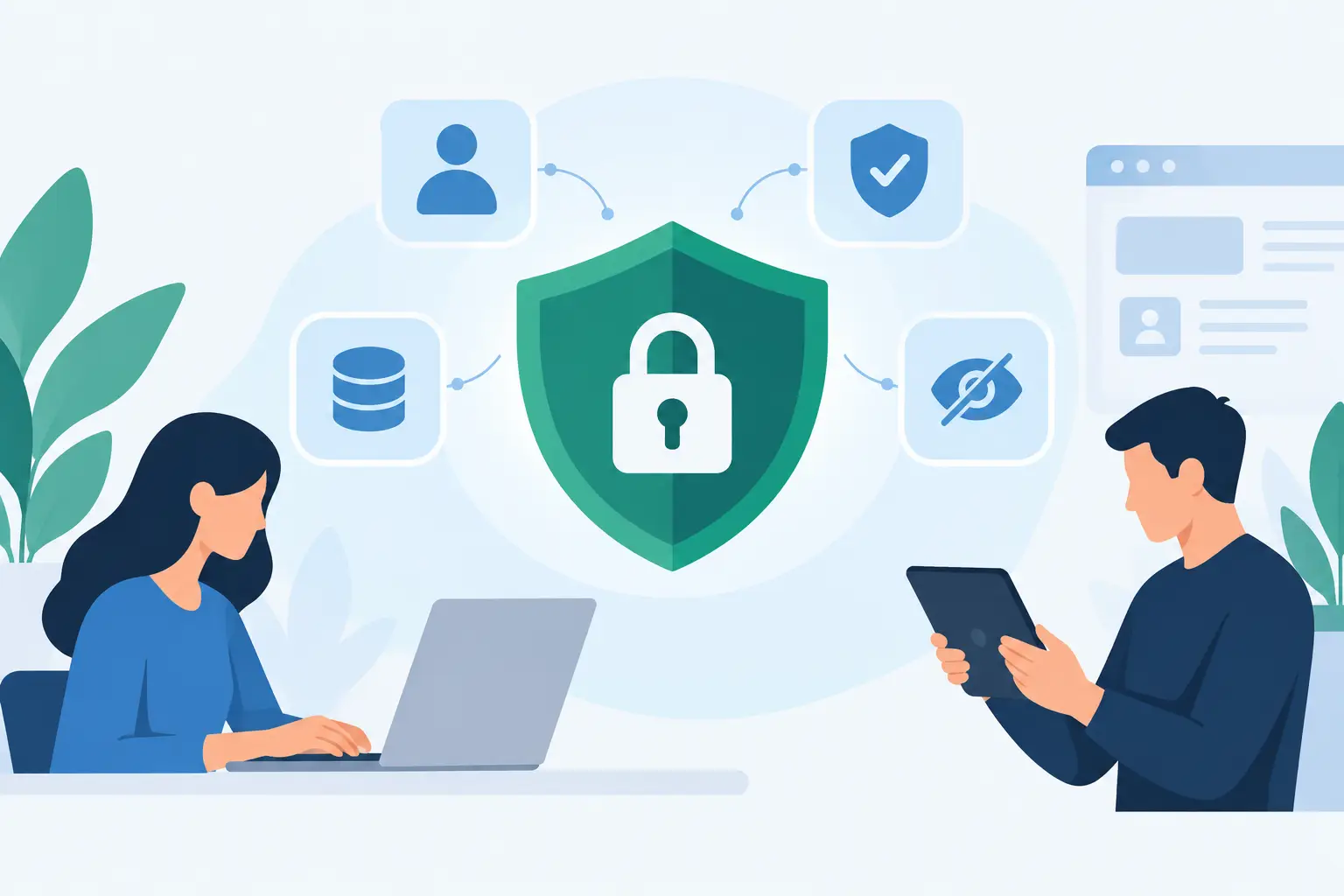
Privacy engineering turns data restraint into product decisions. Learn how teams define flows, minimize collection, and ship features people can trust.
Local Versus Cloud Proofreading: Which Fits?
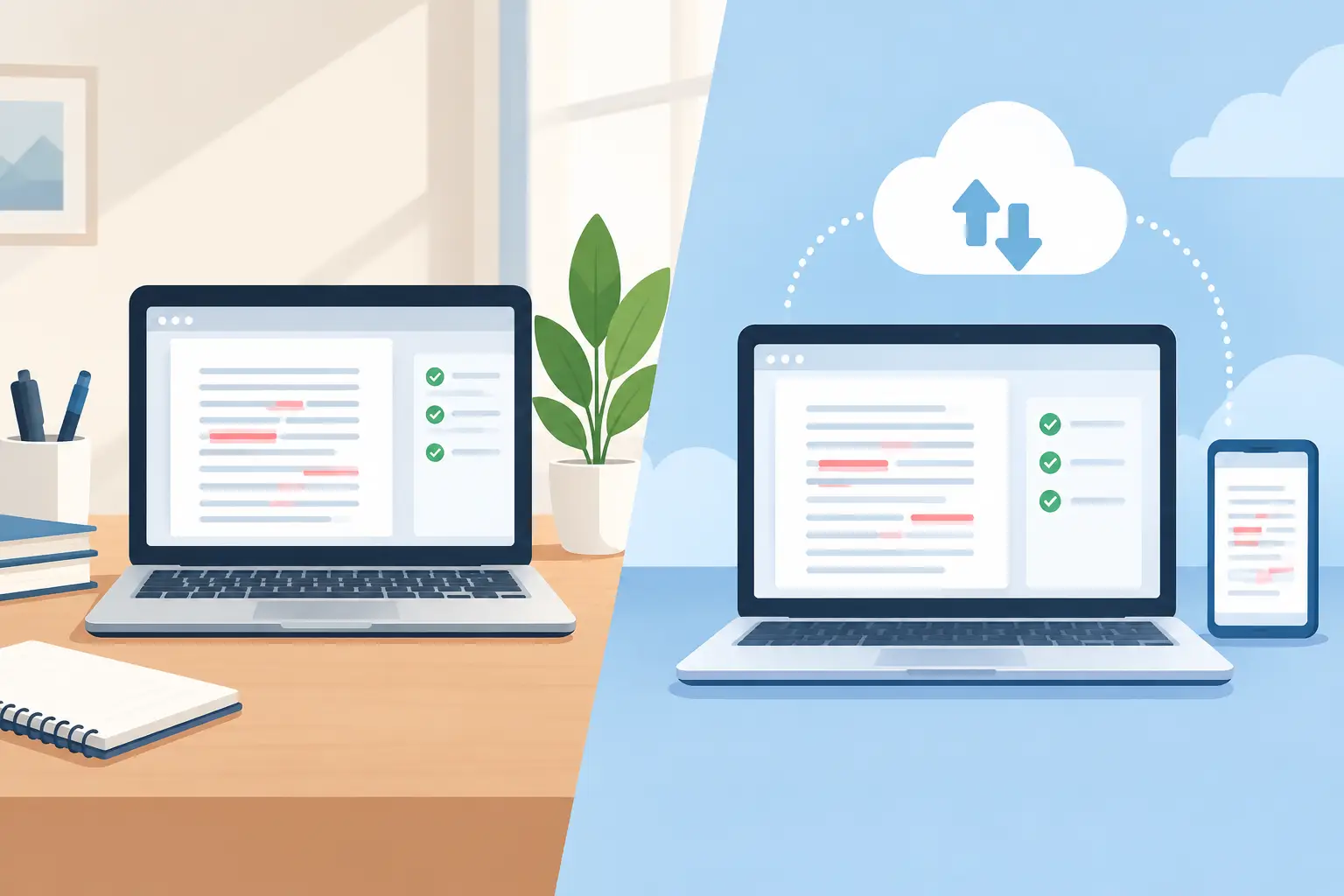
Local versus cloud proofreading affects speed, privacy, cost, and writing quality. Learn when each approach fits a Mac-based writing workflow best daily.

How to Use MacBook Notch Panels Without Clutter
Learn how to use MacBook notch panels for calendar, timers, clipboard, files, and system checks, with a setup that stays fast, focused, and private.

How to Prepare App Store Privacy Labels Well
Prepare App Store privacy labels with an audit of data flows, SDKs, identifiers, purposes and supporting evidence for reviewers.
Best Mac Calendar Workflow Tools for Focus
Find the best Mac calendar workflow tools for faster planning, clear deadlines, and private desktop access without adding more tabs or accounts every day.
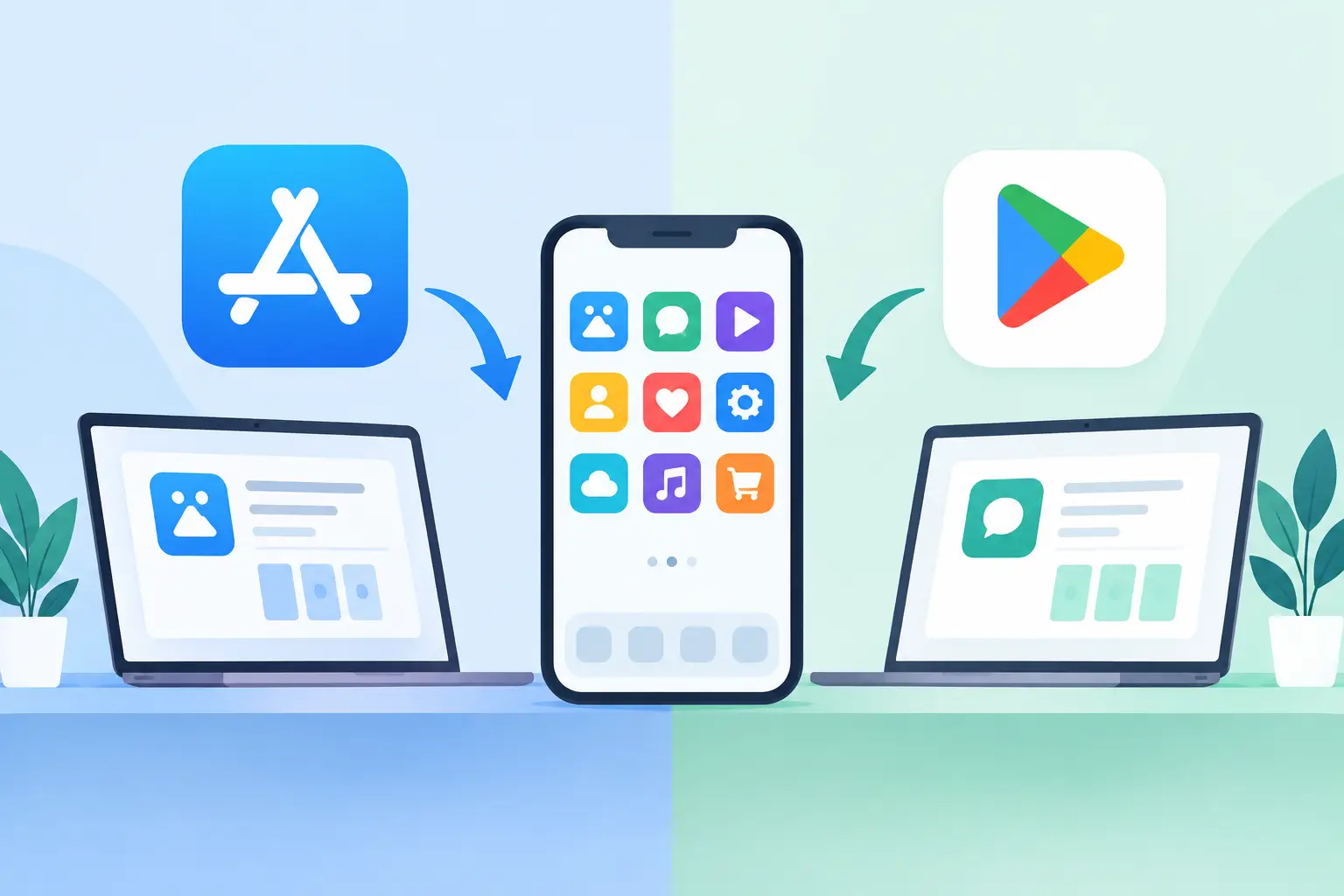
App Store versus Google Play Submission
App Store versus Google Play submission differs in review, privacy, billing, testing, and release control. Plan both stores before development starts.
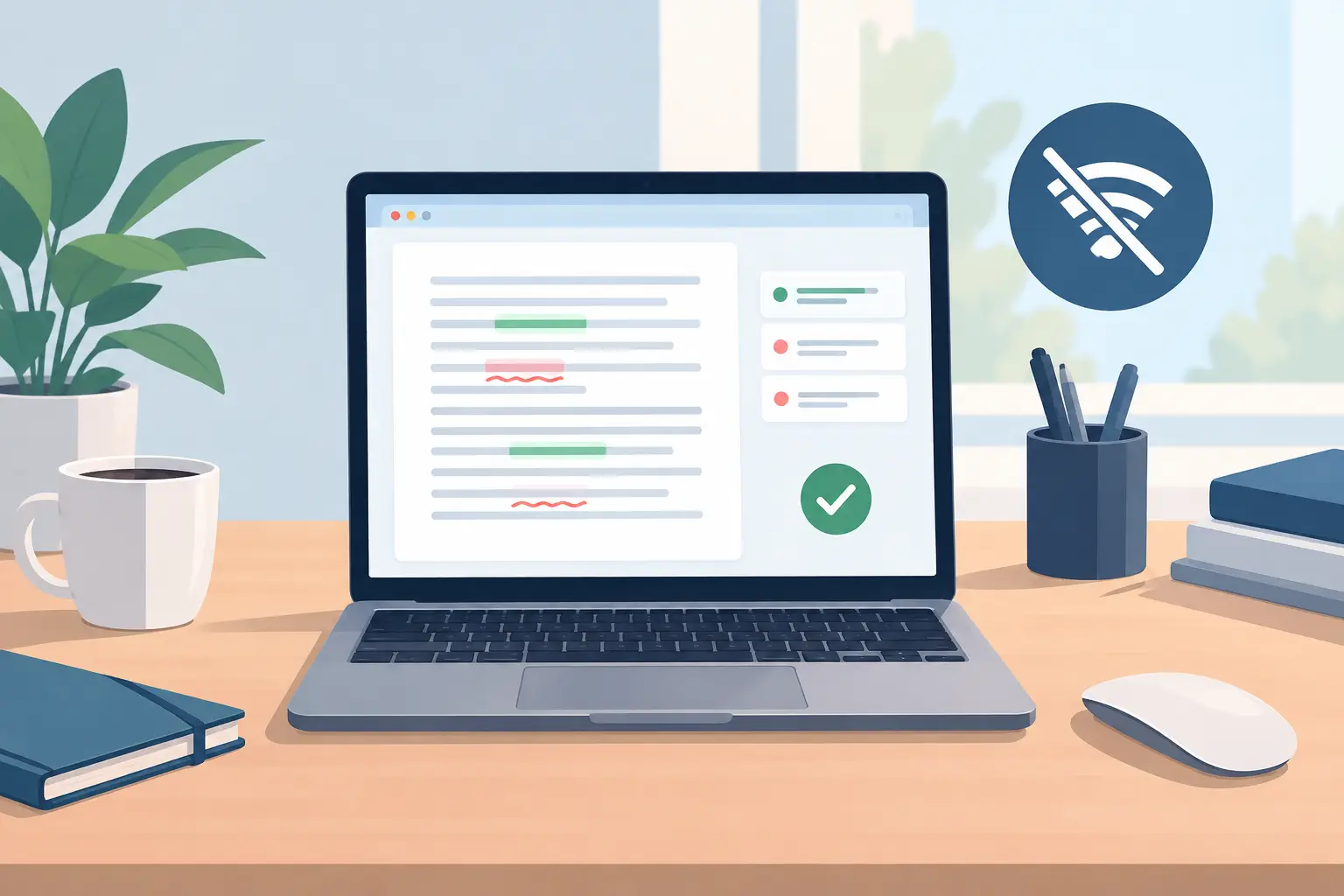
Mac Proofreading Offline: What Actually Works
Mac proofreading offline keeps drafts private and available without Wi-Fi. Learn what macOS can check locally, where it falls short, and how to choose.
Mobile Release Readiness Guide for Teams
A practical mobile release readiness guide for teams shipping iOS and Android apps, from verification and privacy review to store approval and monitoring.
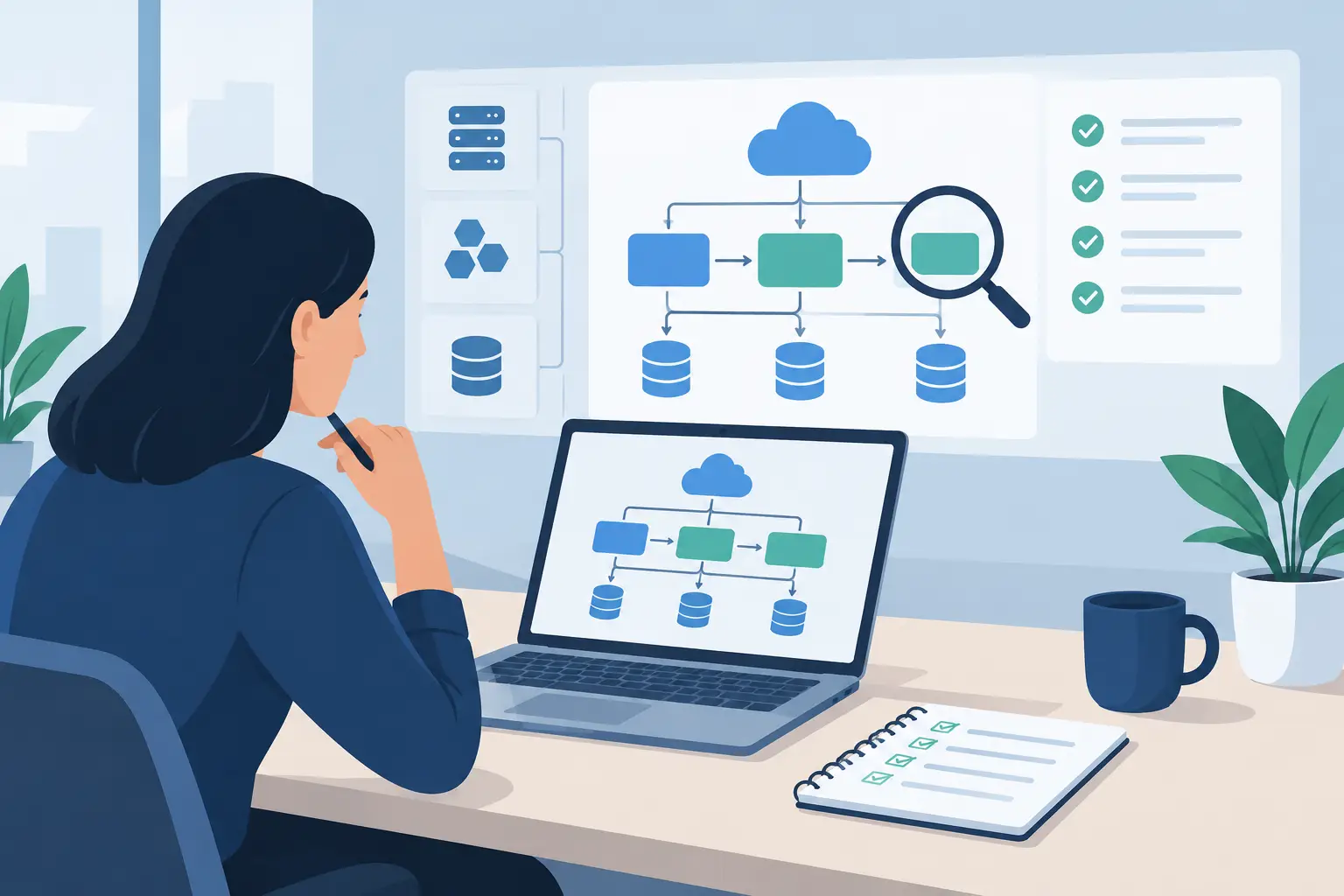
Architecture Audit Example: A Realistic Walkthrough
Architecture audit example: see how a slow product becomes a ranked plan for privacy, reliability, delivery speed, and operating cost.

How to Build an On-Device Writing Setup on Mac
Build an on-device writing setup on Mac: local editors, plain-text drafts, private proofreading, dictation, and backups that keep sensitive work yours.
Best Startup Product Audit Checklist: 8 Tests
Use this best startup product audit checklist to find the early product, UX, architecture, privacy, and release risks most likely to slow your team down.
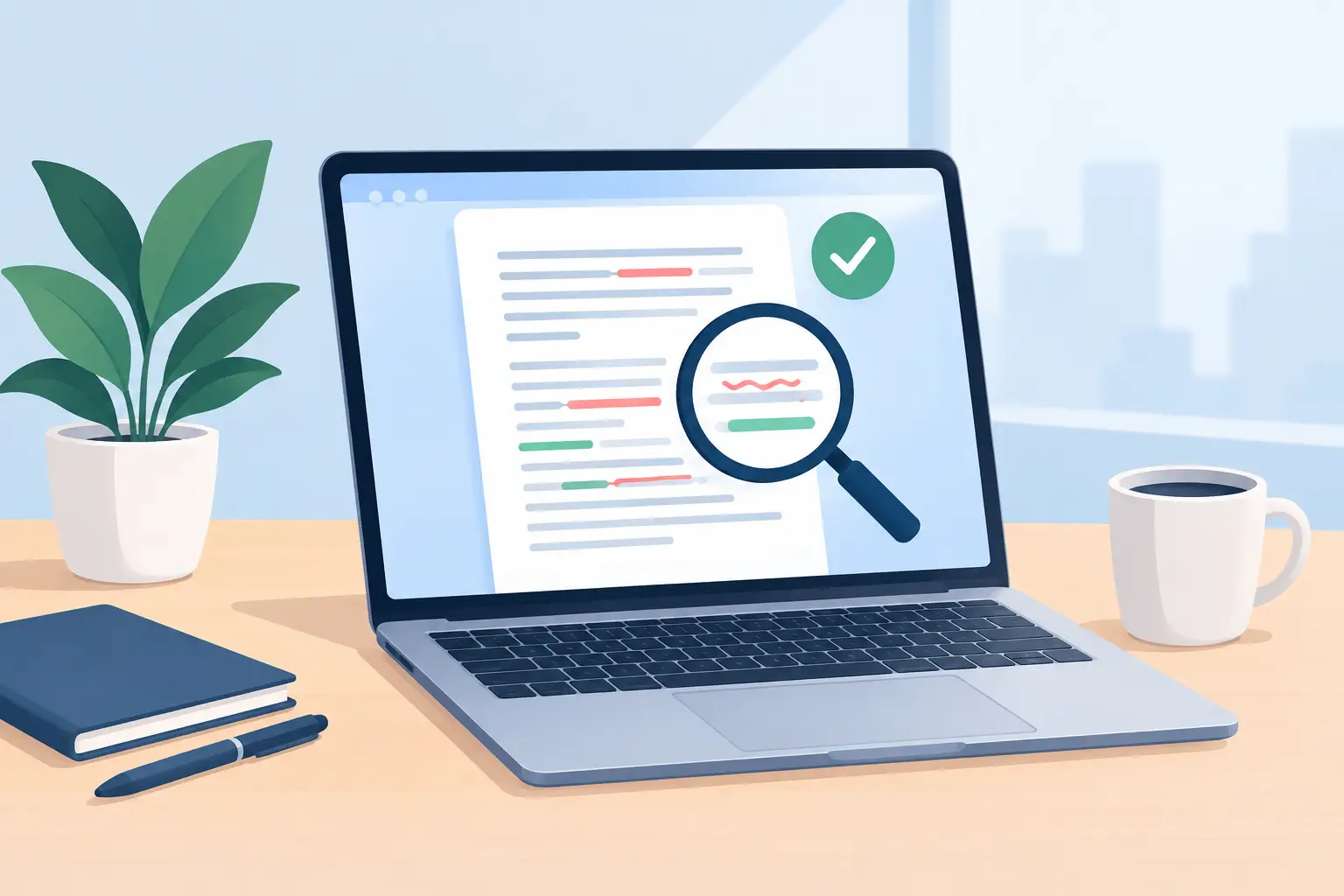
Selected Text Proofreader for Mac Writing
A selected text proofreader keeps edits focused. Learn what it should check, where your words go, and why copy-back keeps you in control on a Mac.
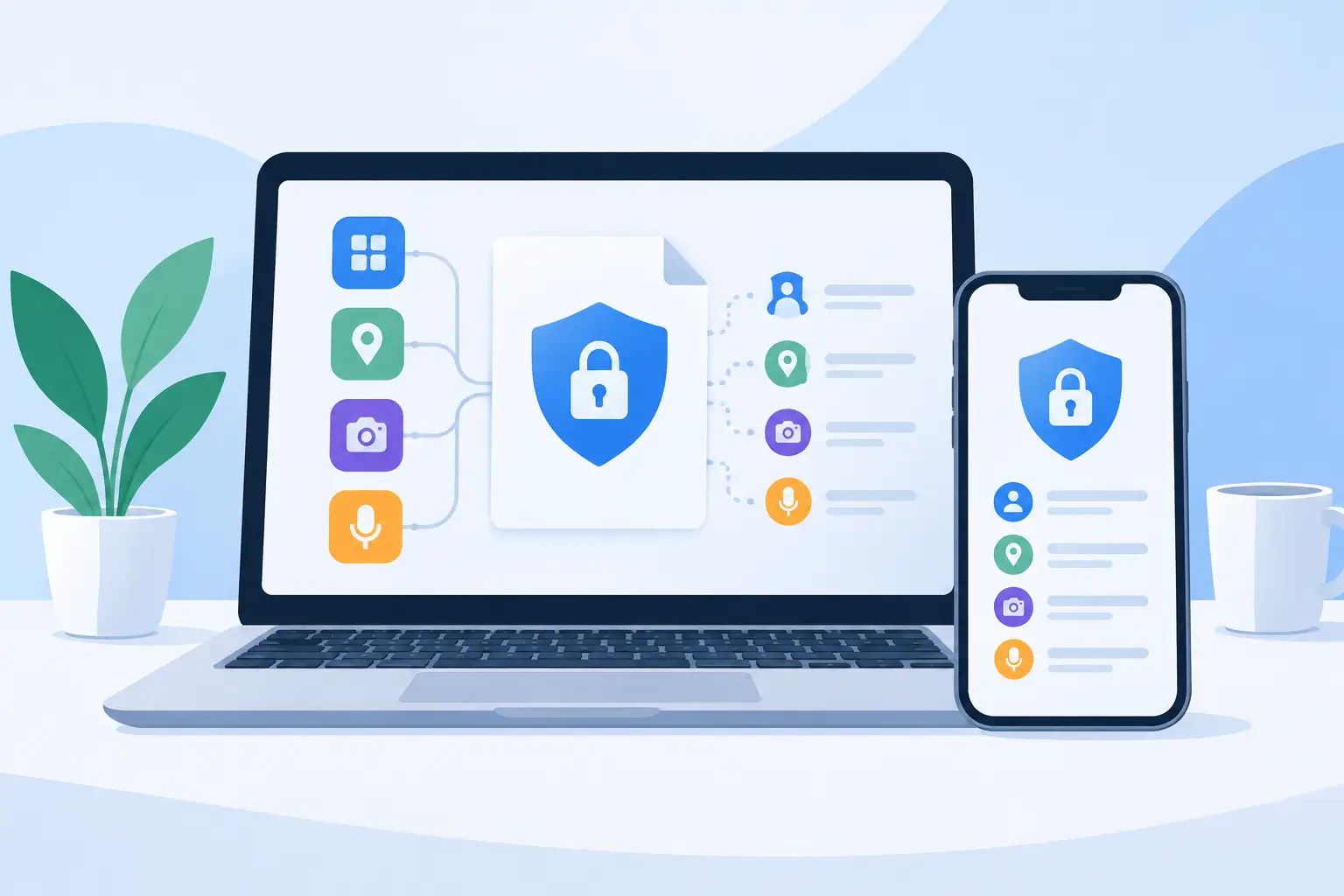
Apple Developer Privacy Manifest Guide for Apps
Apple developer privacy manifest guide: required-reason APIs, SDK manifests and signatures, which platforms need them, and a pre-release check.
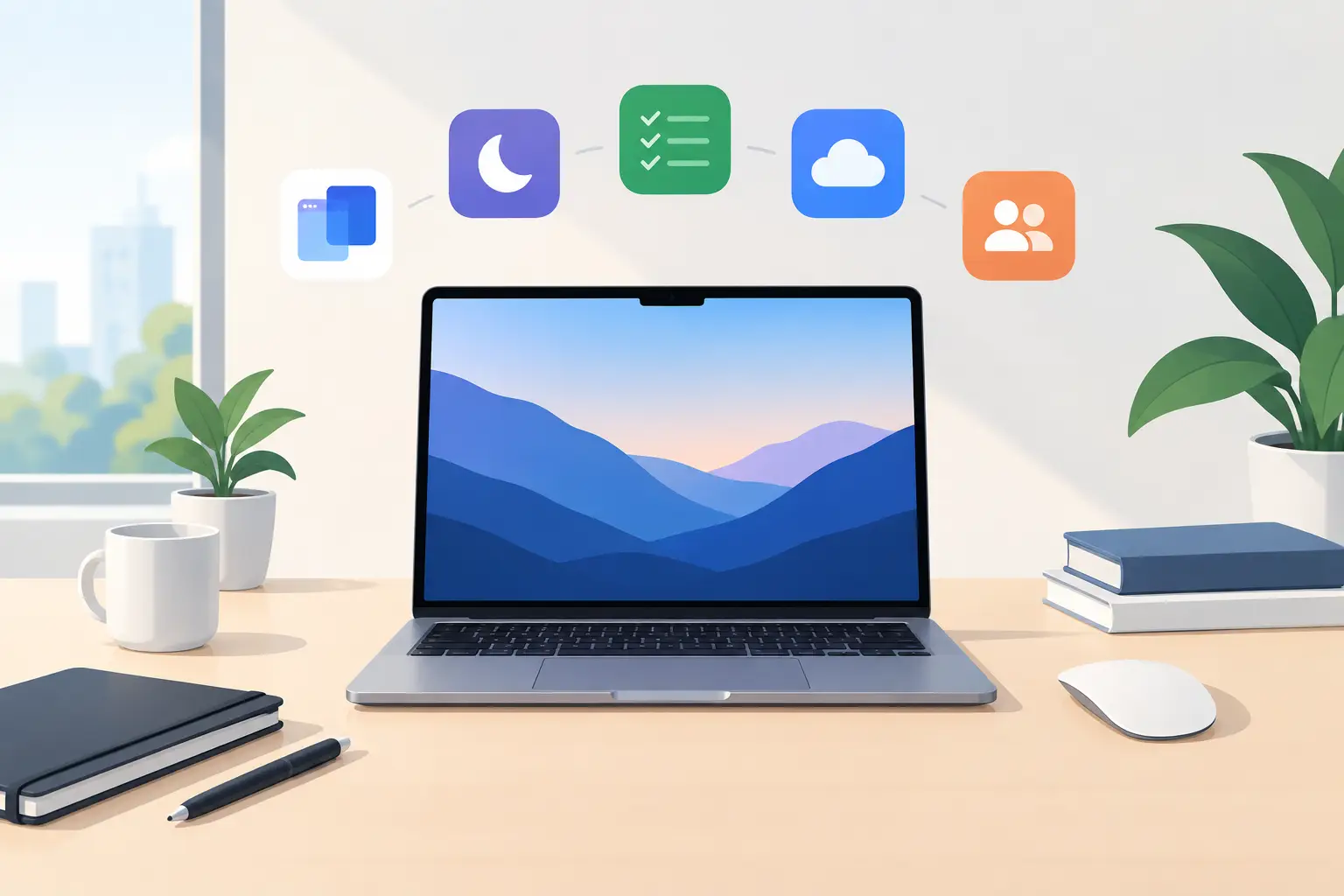
Mac Productivity Trends That Are Actually Useful
Mac productivity trends are moving toward quieter tools, local intelligence, and focused workflows that reduce friction without adding another system.

How to Build an AI Feature Roadmap That Ships
Build an AI feature roadmap that earns user trust: choose narrow jobs, protect data, measure quality, and ship with clear controls and fallbacks.
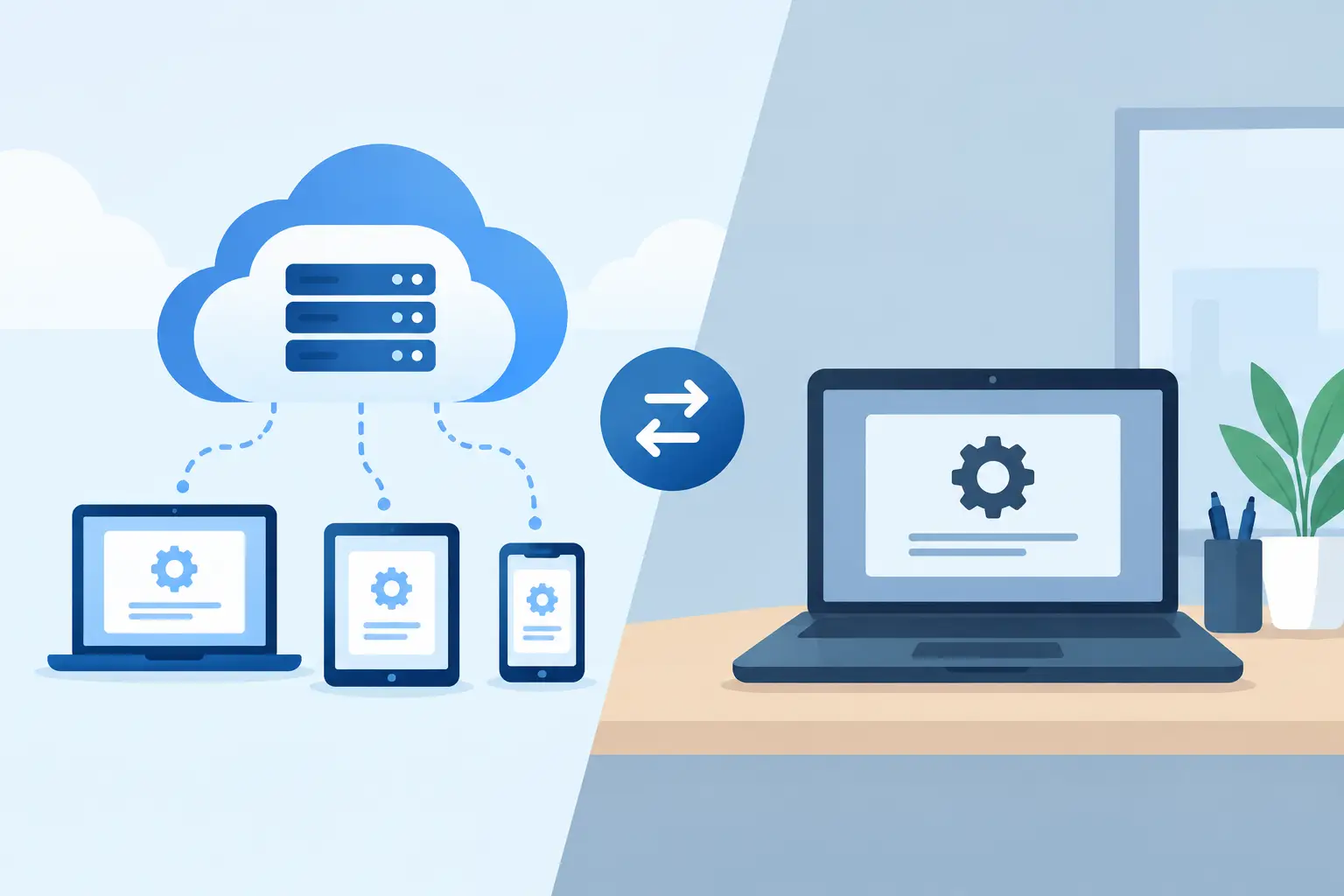
Cloud Grammar Versus Local Tools: What Changes?
Cloud grammar versus local tools changes more than speed. Compare privacy, context, reliability, and the workflow that fits your Mac every day at work.
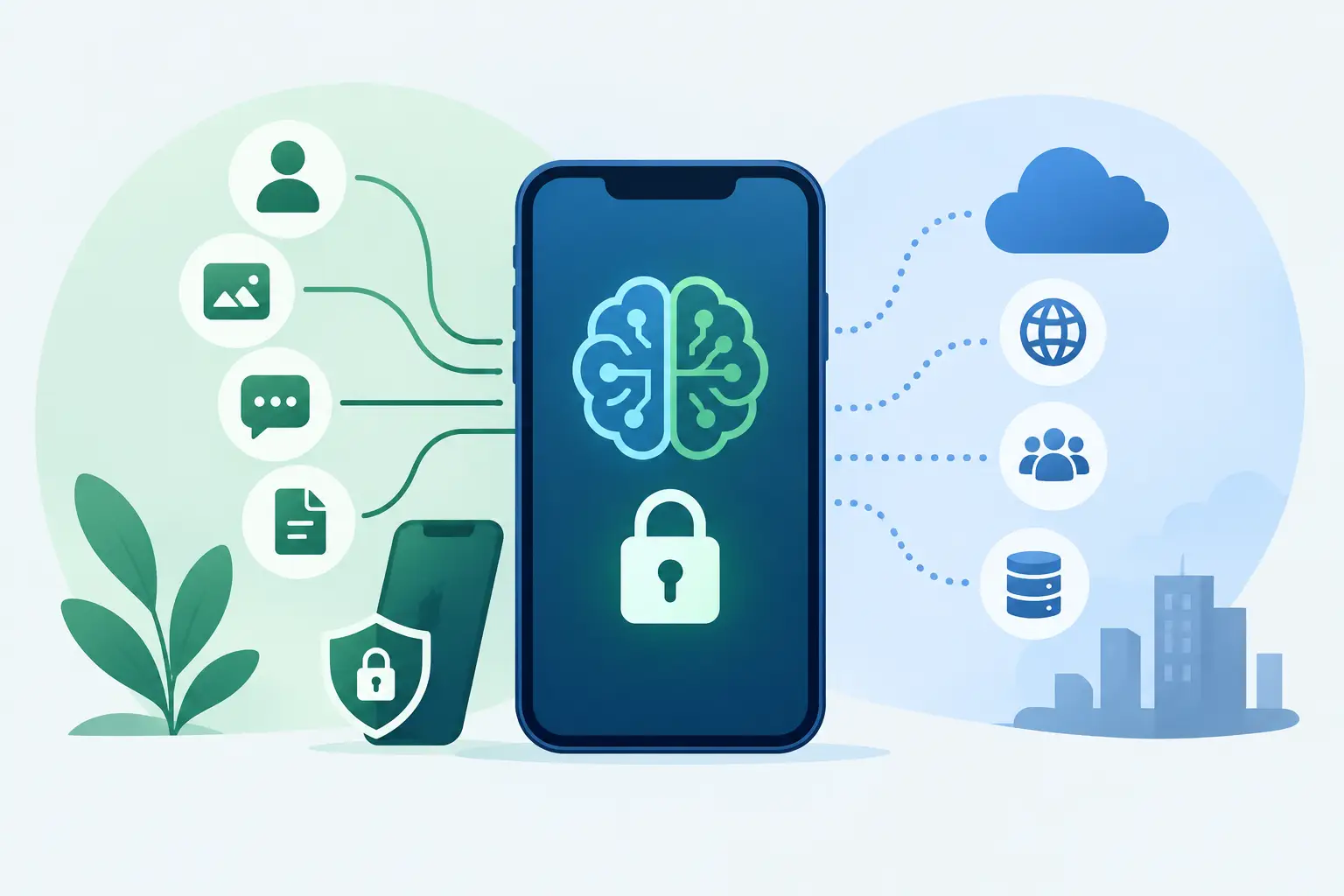
On Device AI: What Stays Private, What Doesn't
On device AI can keep sensitive work local, but only if the full data path is designed that way. Learn what to check before you trust it for private text.
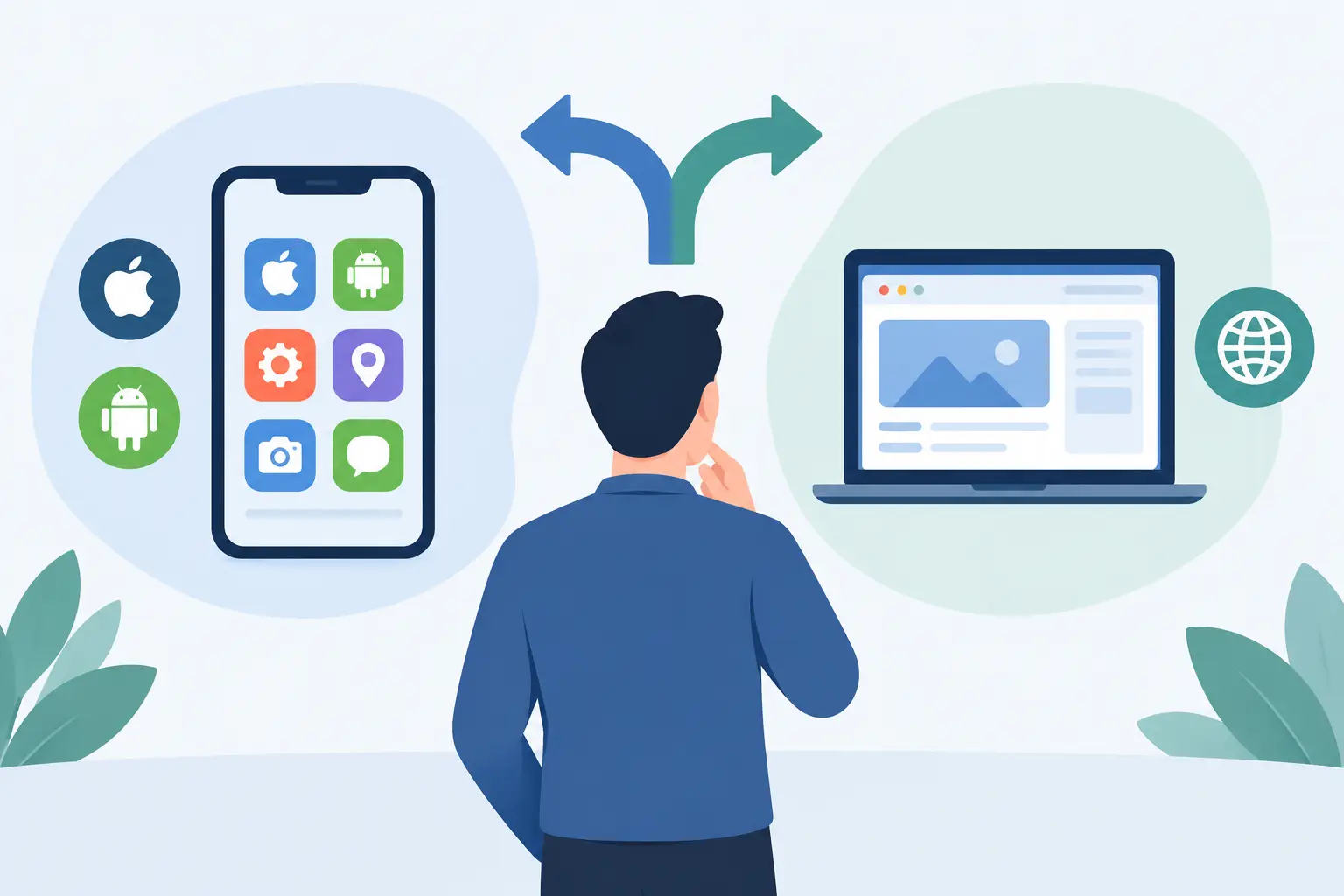
Native Apps Versus Web Apps: Choose by Job
Native apps versus web apps is not a religious choice. Compare speed, privacy, platform access, updates, and cost before choosing a product form that fits.
AI Workflow Automation People Can Trust
AI workflow automation cuts repetitive work without putting private data, product judgment, or customer trust inside a black box. Build it with limits.

AI Prototyping That Tests the Product, Not the Demo
AI prototyping helps teams test real user value before committing to a full build. Learn what to prototype, how to validate it, and where judgment matters.
AI Agent Trends That Matter for Product Teams
AI agent trends are moving from chat demos to narrow, auditable workflows. Learn where autonomous software helps, where controls still matter in practice.
How to Privately Proofread Mac Documents
Learn how to privately proofread Mac documents with a local-first workflow that keeps sensitive drafts readable, controlled, and ready for local review.
How to Validate AI Product Features Before You Build Them
Learn how to validate AI product features with real user evidence, privacy checks, and clear success measures before engineering the wrong thing first.

Privacy Writing Software Guide for Mac Users
This privacy writing software guide explains what stays on your Mac, what to check before using AI, and how to choose a tool that respects your daily work.
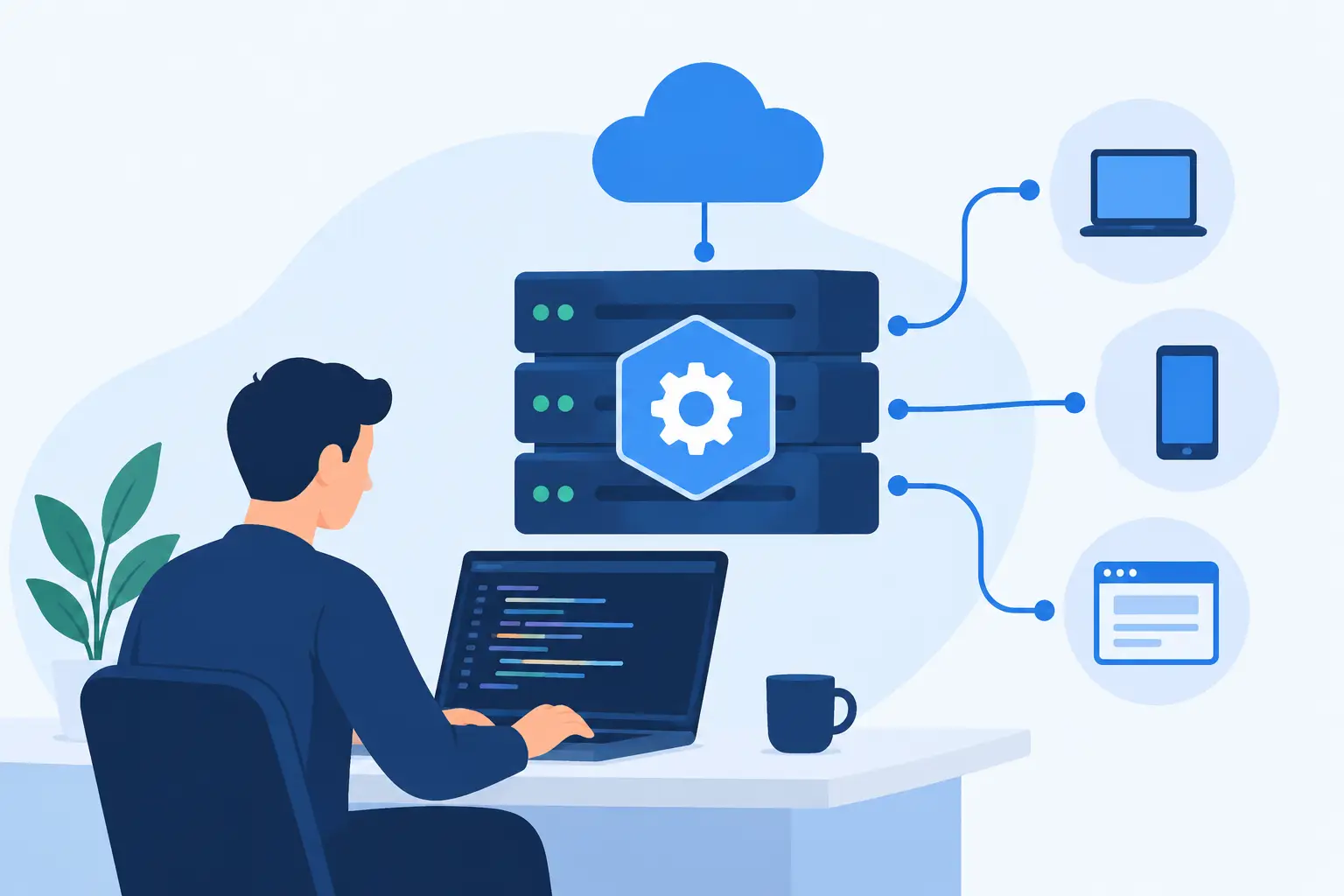
API Backend Development Services for Reliable Products
API backend development services for reliable products: clear boundaries, secure data flows, resilient integrations, and infrastructure built to evolve.
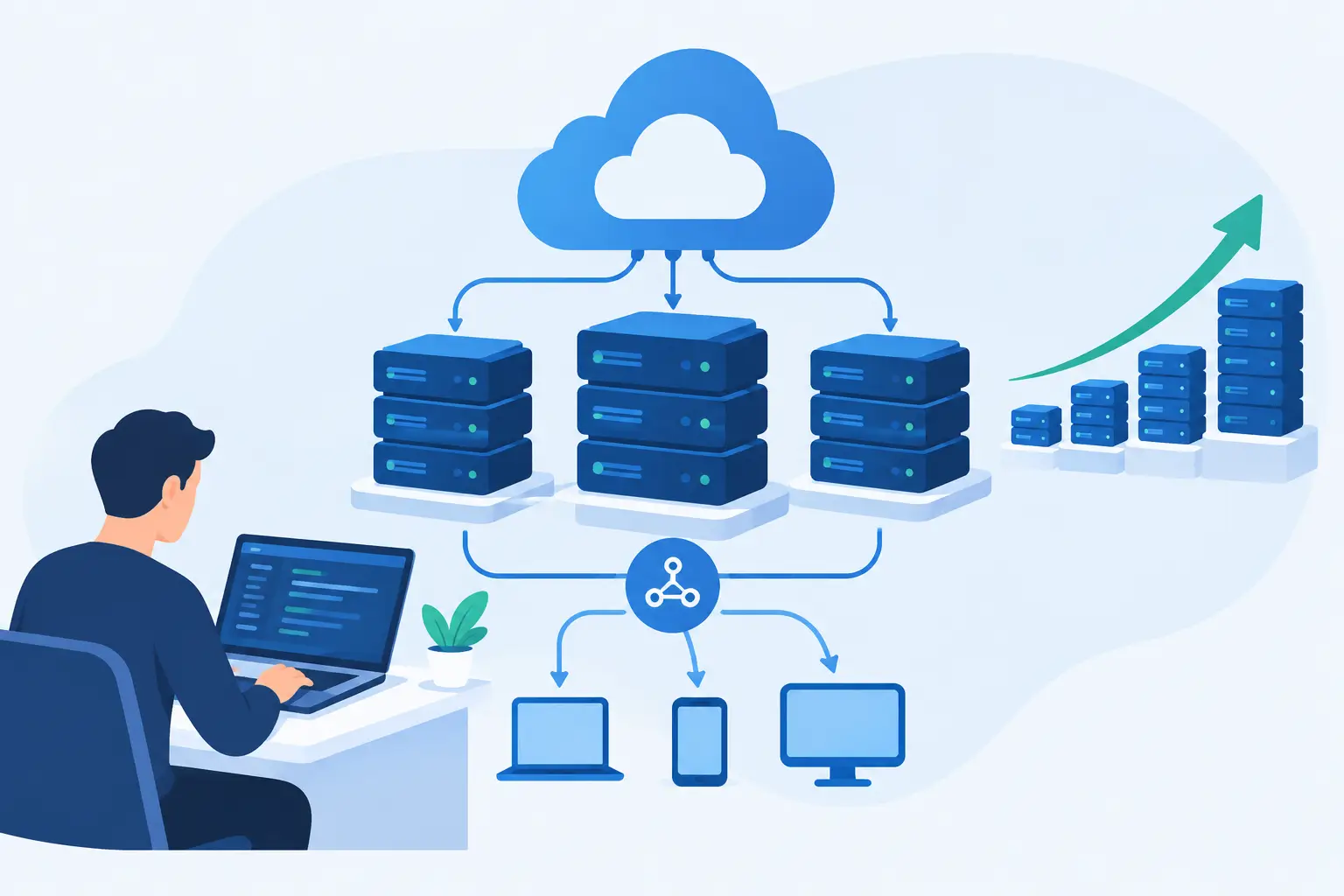
How to Design Scalable Backend Systems Well
Learn how to design scalable backend systems with boundaries, measured capacity, safe failure modes, and operations that stay simple as demand grows.

What a Software Development Agency Should Own
A software development agency should reduce delivery risk, not add meetings. Learn what accountable product execution looks like from discovery to release.
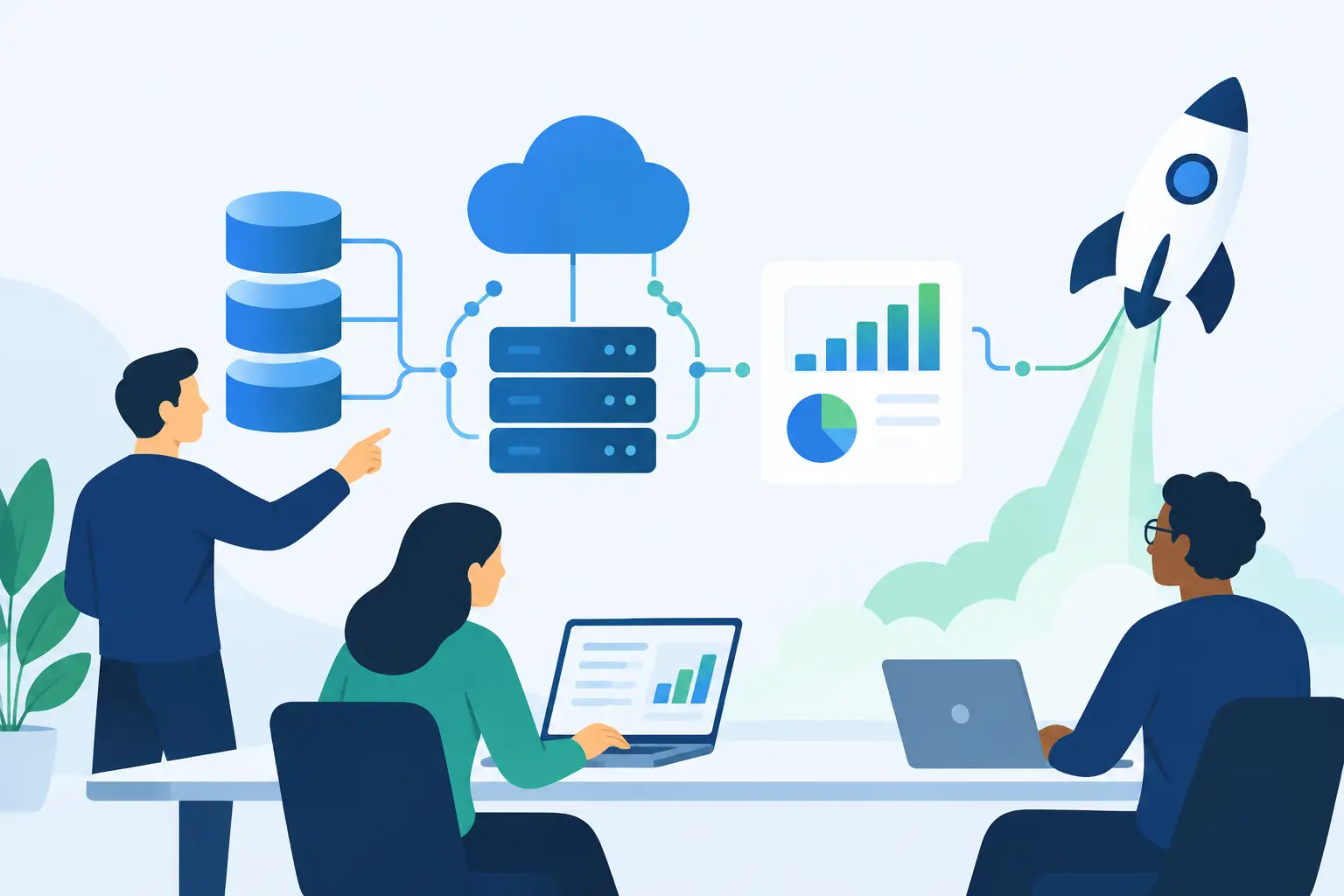
Startup Data Infrastructure Consulting That Ships
Startup data infrastructure consulting to align metrics, repair data pipelines, and give teams reliable reports with clear ownership and privacy controls.

Mac Dashboard Software That Respects Your Focus
Mac dashboard software can make work easier when it stays visible, stays local, and gives you useful controls without becoming another destination at work.

Choosing a Startup MVP Development Partner
Choose a startup MVP development partner who can cut scope, protect customer data, and ship a testable product without agency handoffs or process theater.

Custom AI Agent Development for Real Work
Custom AI agent development for teams that need useful automation, boundaries, private data handling, and software that stays maintainable after launch.

AI Feature Development for SaaS That Holds Up
AI feature development for SaaS needs product judgment, clear data boundaries, and a route from prototype to a feature customers can trust in daily work.

App Store Launch Development That Ships Clean
App Store launch development for teams that want clean review, accurate privacy disclosures, and a release process built to ship without drama, on time.

iOS App Development for Startups That Ships
iOS app development for startups: how to make product choices, protect user data, control scope, and reach a useful first release faster with less risk.

Choosing a Native macOS App Development Agency
What to look for in a native macOS app development agency: real native work, privacy by architecture, and the questions worth asking before you sign.

What a Menu Bar Productivity App for Mac Should Do
A menu bar productivity app Mac users trust should be fast, private, and useful at a glance. Here is how to choose one that earns its space every day.

How to Choose the Best MacBook Notch Apps
A practical guide to the best MacBook notch apps: what each category does, how to judge privacy and performance, and how to pick one that fits.
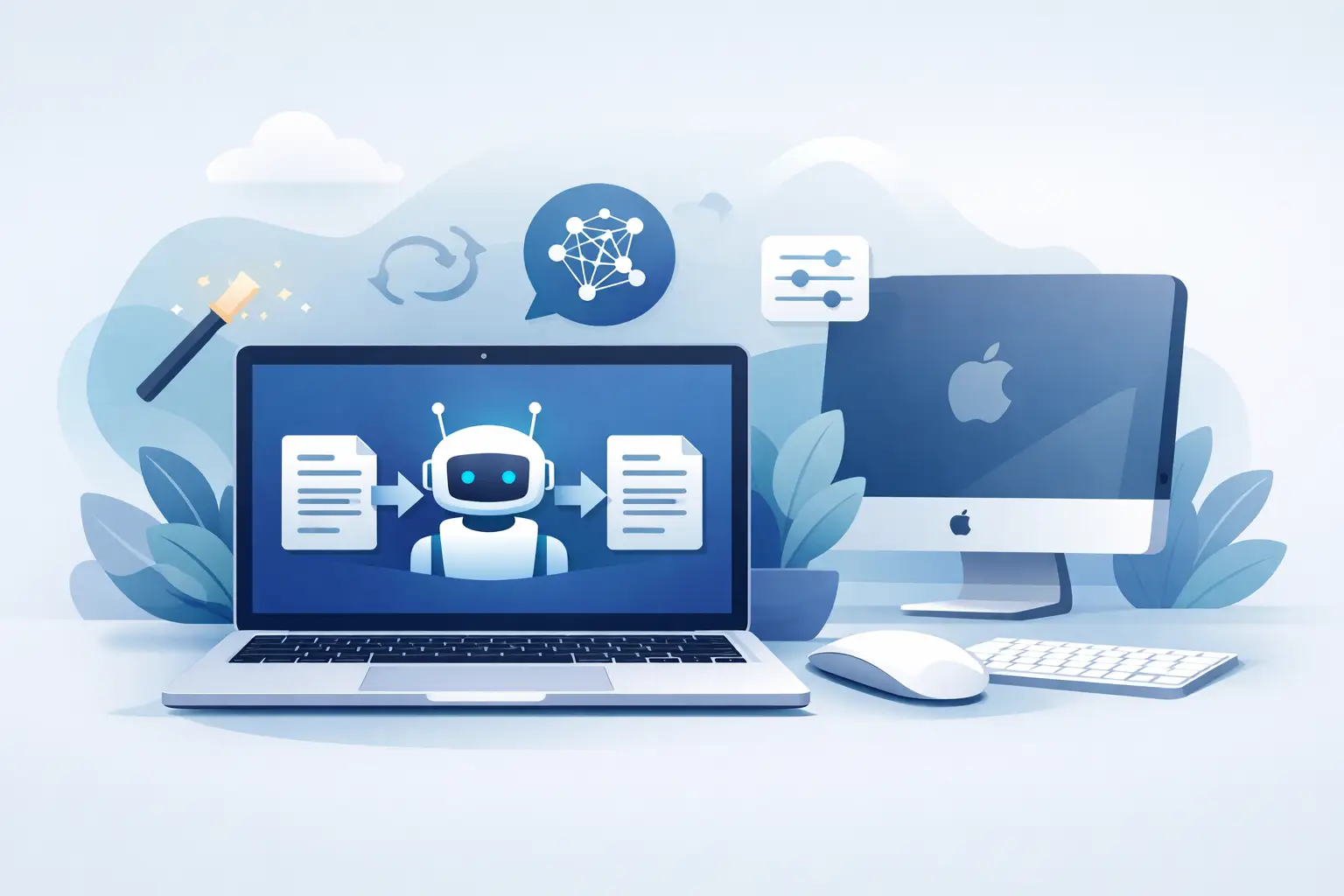
AI Rephrase Tool Without Account for Mac Users
An AI rephrase tool without account access can save time, but privacy depends on where your text is processed and what the app retains after use locally.

Offline Grammar Checker for Mac That Keeps Data Local
Choose an offline grammar checker for Mac that keeps sensitive drafts local, works without a connection, and fits your real writing workflow in practice.