Top App Release Mistakes That Cost Teams Time
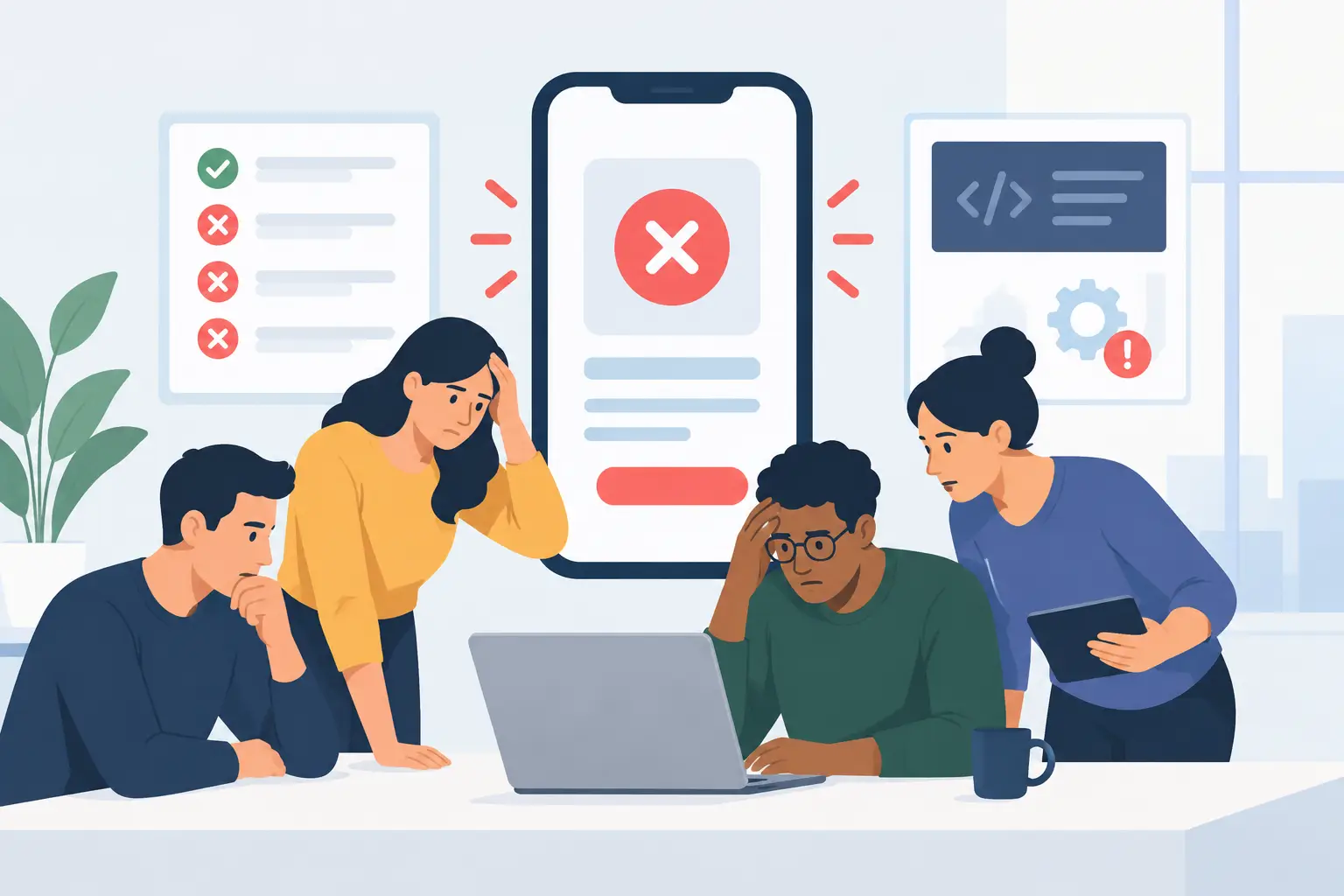
A release can look finished in the build folder and still fail the first person who installs it. The top app release mistakes rarely come from one dramatic bug. More often, they come from small decisions left untested: an upgrade path nobody tried, a permission request without context, a privacy statement that describes the wrong behavior, or a support path that disappears once launch day gets busy.
For small teams, this matters more. You do not have a large support department to absorb confusion or a release manager to find every loose end. The same people who made the product will read the first reviews, answer the first emails, and decide whether a patch ships tonight or next week. That is a good reason to release with discipline, not more process theater.
The top app release mistakes start before submission
A store submission is not a release plan. It is one checkpoint in a larger handoff between the team and real users. Treating approval as the finish line creates a predictable rush: metadata gets written from memory, screenshots show old UI, and a serious issue is discovered only after the version is public.
The useful question is not, "Can we submit this?" It is, "Can a new user understand, trust, pay for, update, and get help with this version?" That question includes product behavior, technical operations, and communication. A clean build alone answers only one part of it.
Mistake 1: Testing the happy path only
Teams naturally test with existing data, existing accounts, familiar hardware, and the feature they built most recently. New users have none of that context. They may deny a permission, use an empty state, have an older supported OS version, open the app without an internet connection, or upgrade from a version with different settings.
Run a release candidate on a clean machine or clean user profile. Test installation, first launch, upgrade, sign-out if applicable, purchase restoration, and deletion of local data. Then deliberately take the awkward paths: deny a permission, cancel a purchase, close the app during a migration, enter malformed input, or use the product while a service is unavailable.
This is not a request for endless test cases. It is a request to identify where the app assumes cooperation from the user or the network. Those assumptions become support tickets.
Mistake 2: Leaving migrations until the end
Schema changes, preferences, cached content, subscriptions, and local files make upgrades harder than fresh installs. A migration can succeed for a developer who has updated through every internal build while failing for someone who skipped several public versions.
Define which old versions you support upgrading from and test representative paths. Make migrations repeatable where possible, and avoid destructive changes unless there is a recovery plan. If a migration might take noticeable time, communicate that plainly instead of presenting a frozen interface.
The trade-off is real. Supporting every historical state can slow development. But ignoring upgrade paths transfers the cost to the people who trusted you early. Pick a support window, document it internally, and test it intentionally.
Mistake 3: Asking for permission before earning the request
Permissions are product moments, not implementation details. A system dialog with no prior explanation forces people to make a security decision without enough information. Many will choose "Don't Allow," then assume the app is broken.
Explain the benefit in the product immediately before the system prompt. Ask only when the user chooses the feature that needs access. If access is optional, make the alternative useful rather than blocking the entire app behind consent.
Be precise about scope. If an app reads selected text, say that. If a feature needs calendar access, explain what it displays and what it does not change. If music automation is optional, connect the request to the action the person just selected. Vague language such as "improve your experience" earns neither trust nor approval.
Mistake 4: Treating privacy copy as launch decoration
Privacy claims have to match the current build, not the team’s original intention. This is where launch pages and store listings often drift from the product. A new analytics event, a cloud fallback, a third-party AI feature, or a weather lookup can change the data story materially.
Map every data flow before release. What stays on-device? What leaves the device? Which service receives it? Is the flow required, or is it an opt-in choice? What is retained, and where can a user turn the feature off? Write the answers in language a customer can understand, then have someone compare the copy against the actual implementation.
Privacy-first defaults are valuable because they reduce the number of decisions users must make under pressure. They are not a substitute for accuracy. If a feature sends data to a service selected by the user, say so. If an optional feature contacts a platform service for a specific result, say that too.
Release mistakes that create avoidable support work
Once the app is live, ambiguity becomes expensive. A technically correct product can still feel unreliable when its messages, pricing screens, version notes, and support instructions disagree.
Mistake 5: Shipping unclear failure states
"Something went wrong" is not a useful diagnosis. Neither is silently failing and hoping the next attempt works. Users need to know whether they can retry, whether their work is safe, and whether the problem is likely local or temporary.
Write error messages around the next action. If a network request failed, offer a retry and preserve the user’s input. If credentials are missing, identify the setup step without exposing secrets. If a feature is unavailable on the current system, explain the requirement before the user spends time searching settings.
Good failure handling has limits. You should not surface raw server errors or pretend to know a cause you cannot verify. Plain, honest language is better: what happened, what the app did not do, and what the user can try next.
Mistake 6: Making release notes a changelog dump
Release notes are often the first explanation existing users see. A long internal changelog tells them little if it leads with refactoring details and buries the behavior that changed.
Start with customer-facing outcomes: what is new, what is fixed, and what people may notice. If a known limitation remains, acknowledge it when it affects a common workflow. If a setting moved or a permission is newly required, explain why in one direct sentence.
Keep a fuller internal record separately. Engineers need technical detail; customers need confidence that the update respects their time.
Mistake 7: Launching without an owner for the first 72 hours
A release needs named ownership after it goes out. Someone should watch crash reports, store feedback, support inboxes, payment issues, and any service dashboards that affect the product. Without this, teams discover patterns late and respond inconsistently.
Set a short launch window with clear responsibilities. Decide who can pause a rollout, pull a broken configuration, publish a support note, or prepare a patch. Prepare canned replies for expected questions, but do not use them to dodge the actual issue.
For a client release, this ownership should be explicit before submission. At uAgency, release preparation is part of shipping work because a store-ready build is not enough if the product team cannot explain what happens next.
Mistake 8: Measuring attention instead of product health
Download counts can be encouraging, but they do not tell you whether the release worked. Watch for failed onboarding, activation drop-off, crash clusters, refund reasons, support themes, and the number of people who cannot complete the product’s core task.
The right metric depends on the app. A focused utility may care most about whether a person reaches value quickly and returns without friction. A subscription product may need to separate billing confusion from product dissatisfaction. A client application with a backend may need error rates and latency alongside user feedback.
Choose a small set of signals before launch, establish what would trigger action, and resist changing the definition of success after the numbers arrive.
A calmer way to ship
The best release checklist is short enough to use and specific enough to catch reality. It should cover the first-run experience, upgrades, permissions, privacy disclosures, payment behavior, store assets, failure states, support ownership, and rollback or patch decisions. If an item cannot be verified, it is not checked.
Do a final walkthrough as someone who has never seen the product. Read every user-facing sentence. Try to break the flow. Then ship when the known risks are understood and bounded, not when the team has convinced itself that uncertainty has disappeared.
A careful release is not slower by default. It is often the fastest way to avoid spending launch week explaining preventable surprises.