What Belongs in Privacy Nutrition Labels?
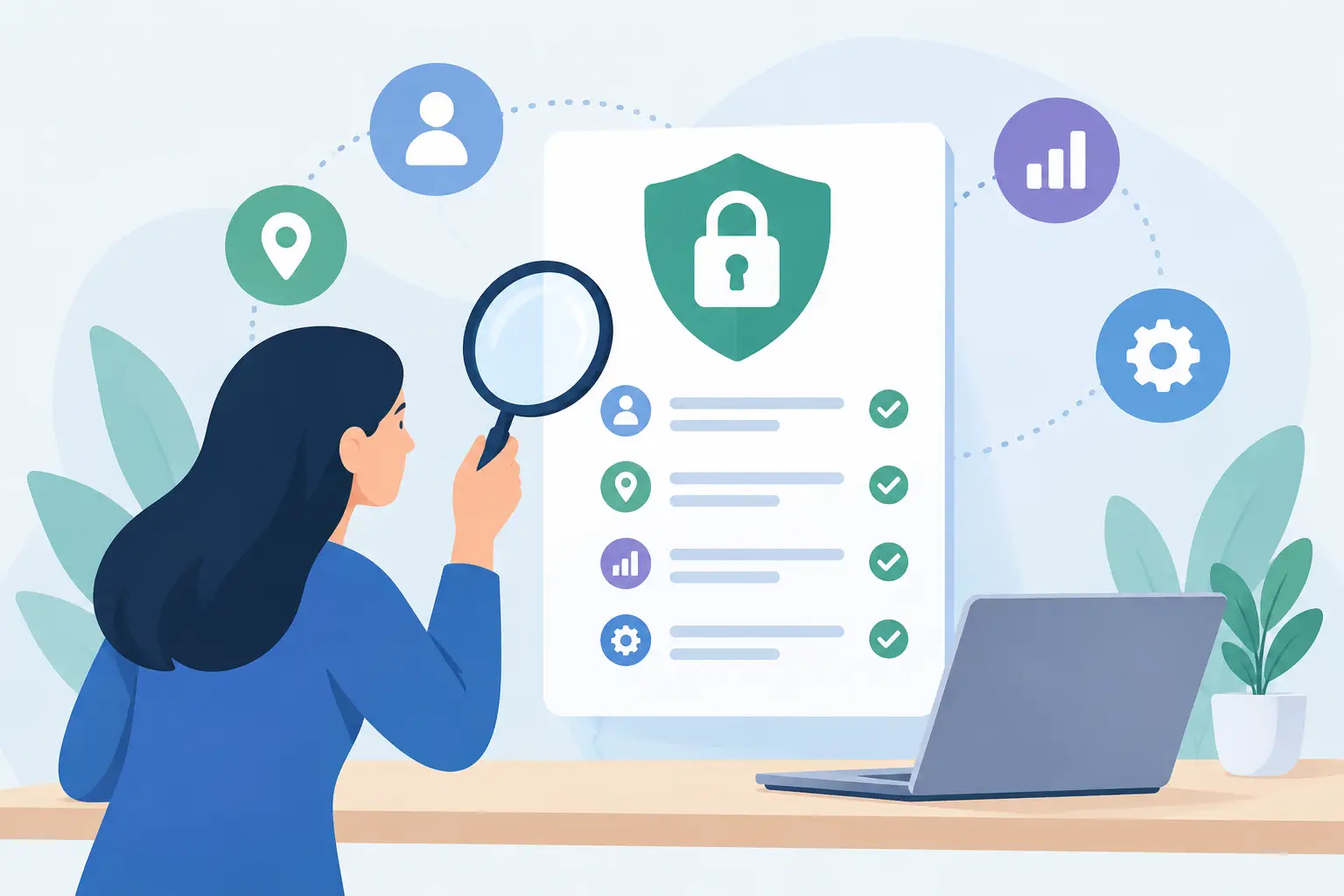
A privacy label should answer the question a person actually has before installing software: what will this app know about me once I start using it? Not the legal version of that question. The practical one.
That is why the best privacy nutrition labels are short, specific, and uncomfortable when the facts are uncomfortable. A wall of policy language can be technically complete while leaving the user unable to tell whether their writing, location, contacts, or usage habits will be collected. A useful label makes those boundaries visible before consent is buried under a button.
For Mac software especially, the distinction matters. Many focused utilities can do useful work locally. Others need a service for a feature to function. Neither model is automatically good or bad. What matters is whether the product clearly states what happens by default, what changes when an optional feature is enabled, and who receives the data.
What belongs in privacy nutrition labels
A privacy nutrition label should describe data behavior, not recite abstract commitments. “We respect your privacy” is a value statement. “Selected text is processed on-device by default” is information a customer can use.
The label does not need to replace a full privacy policy. Policies still have a job: legal definitions, regional rights, contact details, and the edge cases that do not fit on a small screen. But the label should stand on its own as an honest product brief. If someone reads it for 30 seconds, they should understand the meaningful privacy trade-offs.
At minimum, it should cover these seven areas:
- Data collected: Name the actual categories, such as selected text, approximate location, email address, crash reports, purchase status, or device identifiers. “User data” says almost nothing.
- Purpose: Explain why each category is needed. A weather feature needs a place to return a forecast. A proofreading feature needs the text it is asked to review. Purpose limits scope.
- Where processing happens: State whether processing occurs on the device, on the company’s servers, or through a third-party service. “Stored locally” is not the same as “processed locally.”
- Recipients: Identify whether data goes only to the developer, to a configured provider, to Apple services, to payment infrastructure, or nowhere outside the device. Name the category of recipient rather than hiding it behind “trusted partners.”
- Retention: Say whether data is kept, for how long, and where. If it exists only in memory during use, say that. If logs are retained for diagnostics, say that too.
- Permissions and controls: List the permissions that may be requested and the feature that triggers each one. Also explain how to disable the related feature.
- Defaults and exceptions: Make the default behavior prominent, then name every meaningful opt-in exception. This is where many labels fail.
That last item deserves more attention than it usually gets. Privacy is often decided at the edges of a product, not in its primary feature. A local-first app might include an optional cloud enhancement. A calendar panel might need calendar permission, while a music control needs Automation access later. One sentence claiming “private by default” is useful only if the exceptions are easy to find.
Defaults are the product, not a footnote
People reasonably assume that an app’s default path is the path the developer recommends. If analytics, cloud processing, or personalized advertising starts automatically, the product has made a privacy choice on the customer’s behalf.
A good label leads with that choice. It should say whether an account is required, whether the app works before a person provides personal information, and whether optional online features are off until the person enables them. It should not force readers to infer the answer from vague language such as “data may be used to improve services.”
Then it should explain the exception with equal precision. Consider a writing utility that processes selected text on the device by default. If an advanced option can send text to an OpenAI- or Anthropic-compatible endpoint selected by the user, the label should say so plainly. The relevant fact is not just that the feature is optional. It is that the destination is chosen and configured by the user, and that enabling it changes where text goes.
The same standard applies to location-related features. An optional weather page may need to send city searches to Apple’s MapKit and the chosen city to WeatherKit. Calling the app “local” without naming this behavior would be incomplete. A concise label can be both privacy-forward and accurate.
Permission labels should explain the moment of consent
Operating systems present permission dialogs, but a dialog alone is poor product communication. It tells someone that access is being requested without always explaining the product behavior they were trying to use.
Privacy nutrition labels should connect permission to intent. Instead of simply listing “Calendar,” write that calendar access is requested to show calendar information after the person enables that page. Instead of listing “Automation,” explain that optional Music controls request Automation access only after the person chooses to continue with Music. This gives people context before the system prompt appears.
The label should also distinguish access from collection. Permission to access a calendar does not automatically mean calendar data is uploaded or retained. Permission to control another app does not mean an app reads an entire library or records a history. Those are separate claims and should be described separately.
This precision helps developers, too. A team that cannot clearly explain why it needs a permission may have found a design problem. Perhaps the feature should be optional. Perhaps the request should occur later. Perhaps the data should stay in memory rather than become part of a backend database.
Retention is where plain language earns trust
Collection is only the first question. The next is what happens after the data has served its purpose.
“Not sold” is not enough. A company can avoid selling data and still retain more than it needs, use it for profiling, share it with processors, or make deletion difficult. A privacy label should state whether the app stores content, whether it keeps only settings and license status, and whether temporary data is discarded once a task is complete.
Be careful with broad assurances here. “Never stored” can be inaccurate if crash reports, server logs, backups, or support emails exist. Better language separates categories: the app may not store the content being processed, while operational records may exist for a stated purpose and period. If a label cannot fit the full retention schedule, it should still state the principle and point to the full policy elsewhere in the product.
There is a trade-off. Detailed labels can become hard to scan when every technical implementation detail is included. The answer is not to hide complexity. It is to prioritize decisions that change a customer’s exposure: content leaving the device, identifiers used across apps, location sent to a service, accounts, sharing, and retention. Explain the rest in the policy.
Labels should be testable by the team that ships the app
A privacy label is a product specification, not a marketing artifact. Engineering, design, and support should be able to test every line against actual behavior.
That means labels need an owner and a review point. Update them when a new SDK is added, when a feature moves from local processing to a hosted service, when retention changes, or when a permission is requested in a new workflow. The review should include the less visible parts of the stack: analytics tools, crash reporting, payment handling, authentication, support systems, and AI providers.
For client software, this discipline is especially valuable before an App Store or Google Play release. A privacy review that happens after the feature is built tends to produce explanations for decisions already made. A review during product design can change the architecture itself: fewer accounts, less data collection, narrower permissions, and clearer controls.
The label should help a person say no
The strongest test is simple: does the label help someone decide not to use the app?
That may sound counterproductive, but it is the standard for informed consent. If a person does not want their text sent to a third-party AI service, they should be able to see whether that is optional and avoid it. If they do not want a weather feature to use a selected city with Apple services, they should be able to leave that feature off. If they do not want behavioral tracking, the label should let them identify it before installation.
A useful privacy nutrition label does not try to make every product look identical. It makes the product legible. That is the point: give people enough plain information to choose the software that fits their boundaries, then build defaults that deserve their trust.