How uChecker Text Processing Handles Your Writing
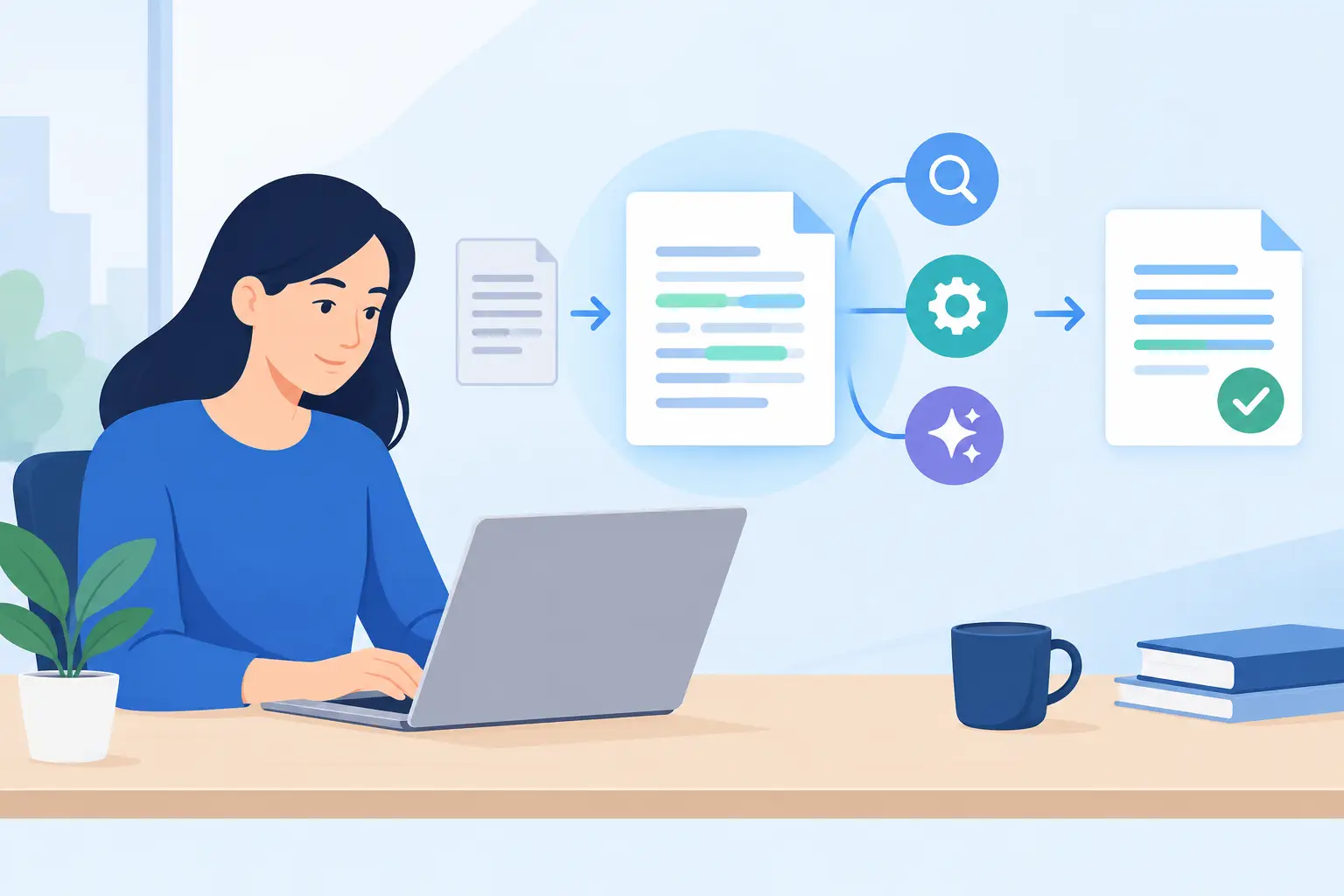
A sentence can be technically correct and still create friction. It may sound abrupt in a client email, vague in a project update, or overworked in a proposal that needs a clear decision. uChecker text processing is built for that small but frequent moment: you have selected text, you want a better version, and you do not want to hand your writing over to a service by default.
uChecker lives in the Mac menu bar. Select the passage you want to inspect, run a check, and it shows a corrected or rephrased version in its own panel. You review it, then copy the version you want back yourself. That last step is deliberate. The app does not silently replace text in the document or message you are writing.
For people who write all day, that is less ceremony than it sounds. It keeps the original visible, makes the change easy to judge, and prevents a writing tool from making decisions on your behalf.
What uChecker text processing actually does
Text processing is a broad term. In uChecker, it means working on the specific text you select rather than monitoring everything you type. That distinction matters when your Mac is open to work messages, notes, contracts, research, drafts, and half-finished thoughts.
The app is designed for two closely related jobs: proofreading and rephrasing. Proofreading is useful when the idea is right but the wording needs correction. Rephrasing is useful when the sentence is accurate but not yet suited to its audience or purpose.
A product manager might select a release note that buries the actual change. A student might tighten an introduction before submitting it. A consultant might turn a quick internal explanation into a calmer client-facing message. The work starts with the selected passage, not a full document sync, account profile, or writing history.
The returned copy is a suggestion, not an instruction. Sometimes the best result is to use it exactly as shown. Sometimes you will copy only a phrase, keep your original wording, or decide the first version was better. Good editing still needs judgment, especially where tone, terminology, and context matter.
Selected text keeps the workflow honest
Many writing tools create an awkward trade-off: they promise convenience by taking over the page. That can be helpful for repetitive cleanup, but it can also make changes harder to notice. A revised sentence may look polished while quietly changing emphasis, certainty, or voice.
uChecker takes a more inspectable path. You choose the text. The app produces a separate corrected copy in its panel. You compare it with what you wrote and manually paste what belongs in the final document.
That approach is particularly useful for work where wording carries consequences. A support reply should not become more definite than the team can support. A legal or policy draft should not gain claims that were never approved. A technical note may need exact product names, code terms, and constraints that a general language model cannot infer from one paragraph.
Manual copy and paste is not a missing automation feature. It is the control point. The process is fast enough for everyday writing while leaving the author responsible for the final words.
On-device by default, with a clear choice for more
Privacy claims are only useful when they describe the actual data path. uChecker processes text on the device by default, using Apple Intelligence or the offline spell-checker. No account is required.
For many routine checks, that default is the right fit. You can improve a note, email, caption, or draft without first deciding which external service should receive the text. It also avoids the familiar pattern of creating an account simply to use a focused Mac utility.
There is an opt-in exception. uChecker Pro can send checked text to an OpenAI- or Anthropic-compatible endpoint that you configure yourself. When you use that option, the selected text goes to the service behind your chosen endpoint. This can be worthwhile when you want the capabilities of a particular model or an endpoint your organization already operates, but it changes the privacy boundary.
The practical question is not whether cloud processing is always good or always bad. It depends on the text, your policy, and the service you have selected. For internal drafts with sensitive details, on-device processing may be the obvious choice. For text that is appropriate to send and needs a particular configured model, the custom endpoint can be useful. The point is that the choice is explicit.
Before configuring an endpoint, understand its provider's retention, training, access, and regional handling policies. uChecker can send text to the endpoint you choose; it cannot make that provider's terms disappear. Privacy-first software should make the boundary visible, not bury it behind a vague promise.
When a correction is not the same as a better sentence
Grammar is only one part of useful writing. A sentence can have no spelling errors and still be hard to read because its subject arrives too late, its verbs are weak, or it tries to carry three ideas at once.
That is where rephrasing earns its place. Consider a project update that says, “We are currently in the process of looking into whether there may be a potential issue with the current implementation.” The problem is not only length. It avoids a clear statement. Depending on what is true, a better version might say that the team is investigating an issue, has identified one, or needs a decision before proceeding.
The right revision depends on facts the tool does not know. uChecker can help make the language cleaner, but it should not be asked to invent certainty, commitments, or technical conclusions. The closer text gets to a promise, a policy, a diagnosis, or a public claim, the more carefully you should review every word.
This is also why a single rephrased output should not become a substitute for a house style. Teams need agreed language for product names, accessibility terms, security statements, and customer commitments. A writing utility can speed up the edit. It cannot replace editorial standards.
A practical rhythm for everyday writing
The most effective use of uChecker is usually selective rather than constant. Write the thought first. Then select the passage where you can feel the friction: an opening that feels stiff, an explanation that wanders, a request that may read too sharply, or a paragraph that needs a final proofread.
Run the check and read the proposed copy beside your original. Look beyond grammar. Ask whether it preserves the actual point, sounds like you, and matches the reader's level of context. Then copy the complete result or the parts that improve the passage.
For short messages, this can take seconds. For important writing, it creates a useful pause. You are not just accepting cleaner language. You are checking whether the sentence now says what you mean.
A few habits make the results more useful. Give the selected text enough context to make the sentence understandable, but do not include unrelated material merely because it is nearby. Keep proper nouns, product terminology, and numbers under review. If a revision becomes more polished but less precise, prefer precision. And when a sentence is already clear, leave it alone.
The trade-off is intentional
There are faster-looking workflows than selecting text, reviewing a result in a panel, and pasting it back. Automation can reduce clicks. It can also reduce awareness of what changed.
uChecker is for Mac users who prefer a small, visible workflow over background intervention. It stays focused on the text you choose, processes on-device by default, and gives you the final say before any revised wording reaches the document.
That is a sensible trade for professional writing. The best tools remove unnecessary effort without removing responsibility. Keep the sentence, the judgment, and the final decision with the person whose name is attached to the words.