On Device AI: What Stays Private, What Doesn't
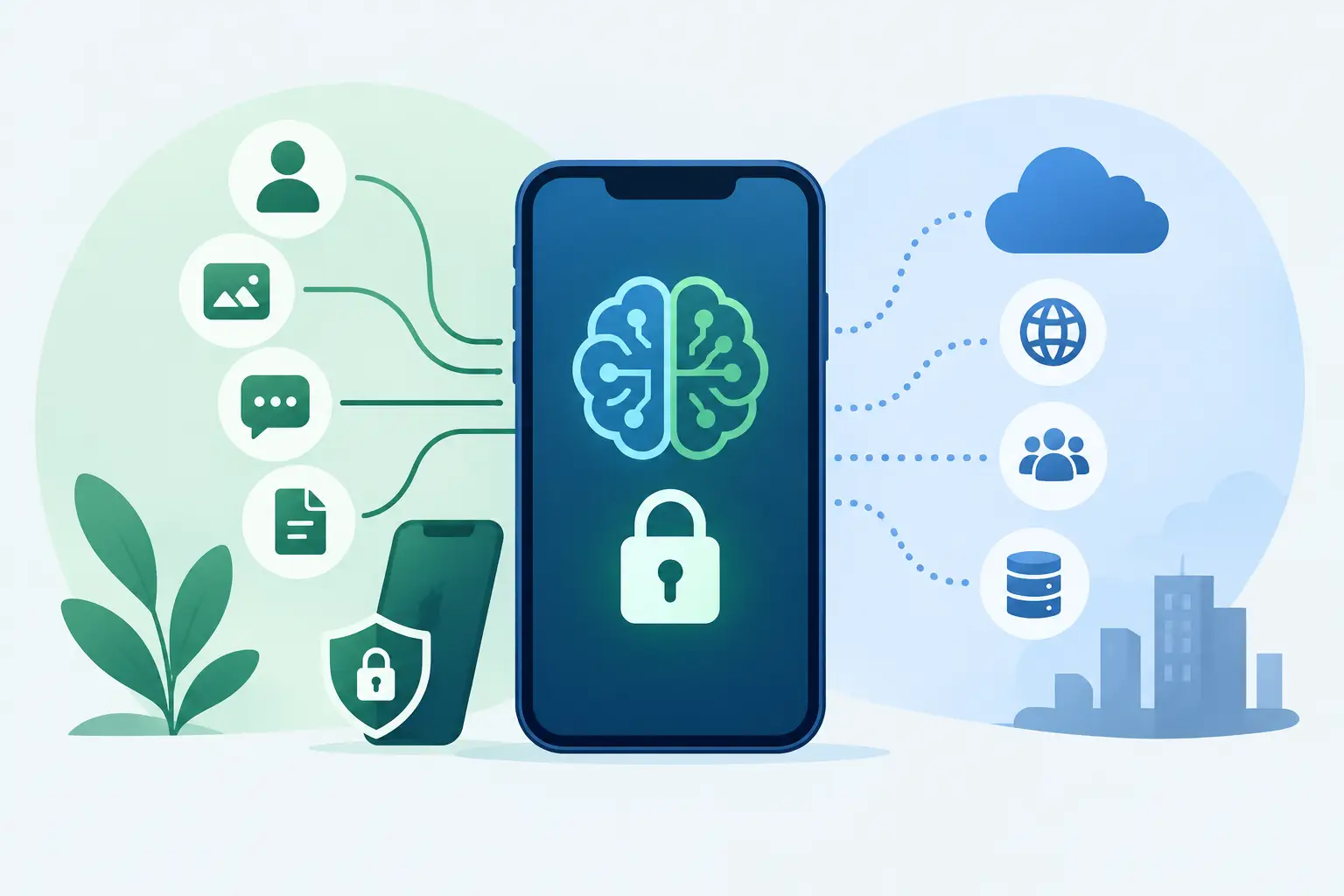
A writing assistant that sends every sentence to a remote server is not a small privacy decision. For a lawyer reviewing a draft, a student working from private notes, or a founder editing an unreleased plan, the text can contain information that should not become a request log somewhere else. On device AI changes that equation by running the relevant work on your Mac rather than treating your work as fuel for a cloud service.
That promise is useful, but it is also easy to overstate. A local model is only one part of a product. Privacy depends on the entire data path: what the app reads, where it processes that data, which optional services it contacts, what diagnostics it records, and whether an account sits between you and the feature. The useful question is not simply, "Does it use AI?" It is, "What happens to my data when I use it?"
On Device AI Is an Architecture Choice
On device AI means the model inference happens locally, using the hardware and memory on the device in front of you. Your input is processed there, and the result is generated there. For many everyday tasks, that can mean a faster response, no dependence on a network connection, and fewer parties involved in handling sensitive material.
It does not mean every part of an app is automatically private. An app may run its primary model locally while still checking licenses online, collecting crash reports, using a cloud sync provider, or offering a feature that calls an outside API. None of those choices are inherently wrong. They should be narrow, explained clearly, and optional where possible.
The distinction matters because "AI-powered" says almost nothing about how a feature works. A product can use a small local language model for proofreading, a remote model for image generation, and an external service for weather data. Those are separate flows with separate privacy implications. Good product communication names the difference instead of wrapping it all in one vague claim.
Why Local Processing Fits Everyday Mac Work
A Mac is already where much of the sensitive work happens. It holds email drafts, contracts, source code, research notes, client feedback, financial spreadsheets, and half-finished writing that was never meant to leave the machine. A utility that helps with that work should ask for the least access it needs and do as much as it can locally.
For text tools, local processing is especially practical. Proofreading and rephrasing usually involve short selections rather than huge datasets. A focused app can take the text you select, analyze it on the Mac, and present a revised version without requiring an account or a server round trip. That is the model behind uChecker: it reads selected text and, by default, checks it on your Mac with Apple Intelligence or the offline system spell-checker, then displays a corrected version in its own panel for you to review and copy back. The one exception is opt-in and stated plainly: Pro lets you connect your own OpenAI- or Anthropic-compatible endpoint, and when you do, the text you check goes to the service you chose.
That last detail is product design, not just implementation. Returning a proposed copy gives the person writing the final say. It avoids a tool silently changing a sentence, a legal term, or a carefully chosen voice. AI is useful when it reduces friction without taking ownership away from the person doing the work.
Local processing also improves reliability in ordinary ways. A train ride, unreliable conference Wi-Fi, or an office network with restrictive policies should not stop a basic writing tool from functioning. When the core capability lives on the device, it remains available when the connection does not.
Privacy Has a Boundary, Not a Slogan
The strongest privacy claims are specific. They state what data is used, why it is needed, where it goes, and what exceptions exist. They do not make users infer the answer from a badge, a vague policy, or the absence of an obvious login screen.
When evaluating an AI feature, follow the data rather than the marketing. Start with the input. Does the tool receive only the selected text, or does it scan documents, browser tabs, or the clipboard continuously? Then ask where inference happens. If it is local, does the app still transmit prompts, outputs, identifiers, or usage events? Finally, look for optional integrations that have their own network behavior.
A weather feature is a simple example of why details matter. To return weather for a city, an app needs to ask a weather service about that city. That network request does not turn every other feature into cloud processing, but it should be described as an exception rather than hidden under an absolute claim that no data ever leaves the Mac.
This level of clarity is respectful. Most people do not need a lecture on model architecture. They do need an honest answer before they paste private material into a tool.
The Trade-Offs Are Real
On device AI is not automatically the best answer for every feature. Large cloud models can handle more complex reasoning, broader context, and tasks that require substantial compute. A local model must work within the memory, battery, thermal limits, and processor capabilities of the Mac running it.
That creates design constraints. A local tool may be better at a narrow, well-defined task than at an open-ended request. It may take longer on an older machine. Its output quality can vary by language, writing style, and the ambiguity of the input. A strong product sets expectations around those limits instead of implying that every local model performs like a massive remote service.
There is also a storage cost. Models can require a meaningful download and updates need to be managed thoughtfully. Developers have to balance model quality against app size, startup time, and the hardware people actually use. Shipping a technically impressive model that makes a simple utility feel heavy is not good product judgment.
For many workflows, the answer is not local versus cloud as an ideology. It is choosing the right boundary. Keep personal text, routine transformations, and latency-sensitive actions on the device when possible. Use a network service only when its added capability is worth the disclosure, and make that choice visible to the user.
What to Check Before You Trust an AI Tool
Privacy-first software should make its behavior easy to verify. Look for concrete answers to a few practical questions:
- Does the core AI task run on your device, or are prompts sent to a server?
- Does the app require an account before it can perform basic work?
- What access does it request: selected text, files, clipboard, microphone, or screen content?
- Are analytics, crash reporting, sync, or third-party integrations involved?
- Can you tell which features use the network and which do not?
The answers should be available in plain language, not buried behind legal phrasing. A privacy policy still matters, but product-level explanation matters too. If a feature has an exception, naming it builds more trust than pretending exceptions do not exist.
Also consider control. Does the app show you the output before it changes anything? Can you decide when it reads content? Can you use the useful parts without creating another account and another place for personal data to sit? Privacy is not only about encryption or server geography. It is also about limiting collection and preserving user choice.
Building AI Features Without Process Theater
For product teams, on-device capability is a design and engineering decision that needs attention early. It affects model selection, system requirements, interface behavior, testing, support documentation, and privacy disclosures. Treating it as a feature checkbox near the end usually creates compromises that users notice.
The practical work starts with the job to be done. Define the exact input, the intended output, and the acceptable failure modes. A tool that improves a paragraph can ask for a selected passage. A tool that claims to understand an entire organization may demand far more access and create a much harder privacy problem. Scope is a privacy decision.
Then test on real hardware, including machines that are not the newest or most expensive. Measure response time, memory use, battery impact, and output quality on the cases users actually bring to the product. Evaluate mistakes as carefully as successes. An AI feature that produces a plausible but wrong answer needs an interface that helps people catch it.
Small teams have an advantage here when the people deciding the product behavior also understand the implementation. There is less room for a privacy promise to get lost between strategy, design, engineering, and launch copy. At uAgency, that direct ownership is the point: founder-level decisions, clear constraints, and no process theater around work that should simply be built carefully.
The best use of on device AI is not to make software sound futuristic. It is to make a focused task faster while keeping the user in control of their own work. If an app can explain that boundary plainly and honor it in the product, it has earned more than a privacy label. It has earned a place in a workflow people can trust.