Architecture Audit Example: A Realistic Walkthrough
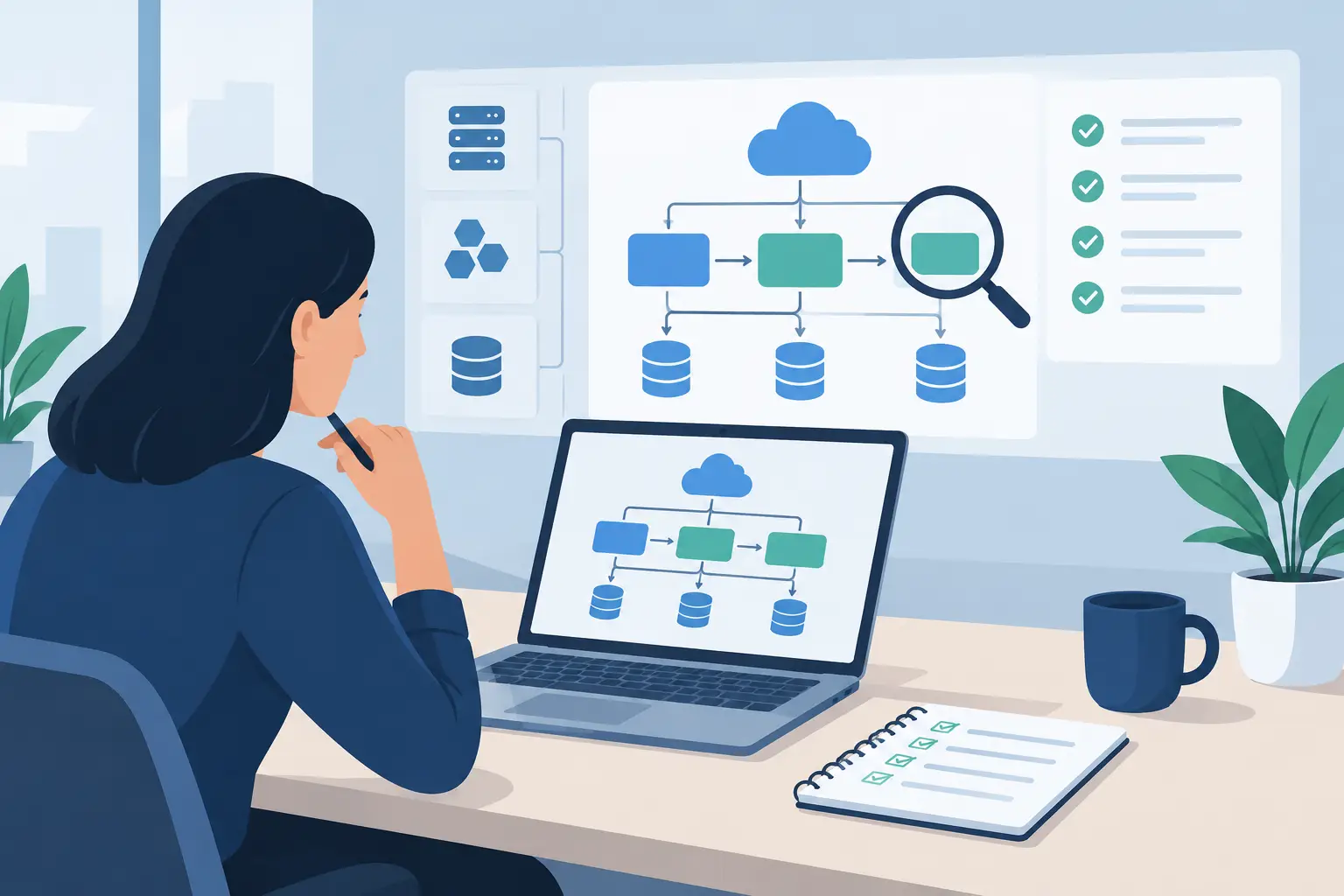
A product can appear stable until one ordinary request exposes the weak points: a customer cannot complete a workflow, an API call times out, and nobody can say which service owns the data. This architecture audit example shows what a useful audit looks like when the goal is not a long technical report, but a clear plan for what to fix first.
The scenario is fictional, but the patterns are common. A small product team has a web application used by operations staff, a mobile app for field work, and a backend that has grown through several fast releases. Revenue is increasing, but releases take longer, support requests are harder to diagnose, and the founders are concerned about privacy and operating costs.
An audit should not punish a team for shipping under pressure. It should identify where the current design no longer matches the product's needs, then turn that evidence into decisions.
The product before the audit
The product began as a simple scheduling tool. Its first version had one web app, one database, and a small API. Over time, the team added notifications, document uploads, reporting, billing, role-based access, a mobile app, and integrations with customer systems.
Nothing about that growth is unusual. The trouble began when new features were attached directly to existing endpoints and database tables. The API now handled authentication, billing state, reporting exports, document permissions, and background jobs in the same codebase. A single deployment could affect all of them.
Users felt the consequences before the team had names for them. Reports occasionally took minutes to load. A failed notification job could retry thousands of times. Support staff had to ask engineers to investigate records because the administrative tools exposed too little context. The system was functional, but its failure modes were expensive.
The audit had four practical questions:
- Can the team release changes without creating unrelated risk?
- Can the system recover predictably when a dependency fails?
- Is customer data collected, stored, and accessed only where the product requires it?
- Can someone new to the codebase understand where a feature belongs?
These questions matter more than whether the stack is fashionable. A well-known framework cannot compensate for unclear ownership, missing boundaries, or unmeasured bottlenecks.
What the architecture audit reviewed
A real audit starts with evidence, not a diagram created for a sales deck. The review covered the production topology, application repositories, database schema, deployment pipeline, cloud configuration, logs, alerting, incident history, and a sample of customer workflows.
The audit also included conversations with the people closest to the work: an engineer who handled on-call issues, a product lead who understood the roadmap, and a support specialist who saw the same customer problems repeatedly. This step often finds the gap between the documented system and the system people actually use.
Privacy was reviewed alongside architecture rather than as a separate legal exercise. The team mapped what personal and business data entered the product, where it was copied, who could query it, how long it remained available, and which third parties received it. A data flow that is technically convenient can still be unnecessary.
The mobile app was examined separately because it had a different release cycle and stored some data locally for offline work. That was appropriate for the product, but the audit checked whether cached records were encrypted, expired when no longer needed, and respected a user's sign-out action.
The evidence behind the findings
The first major finding was not a code smell. It was a deployment pattern. Every API change triggered a full application release, even if the change affected only document processing. The team had no way to isolate a risky workload or roll it back without reverting unrelated work.
The second finding came from tracing one report request. The endpoint made repeated database queries inside a loop, then waited for a third-party service before returning a response. Under normal load this was merely slow. Under heavier load, it consumed enough database connections to delay ordinary scheduling actions.
The third finding was a privacy and access-control issue. A support endpoint returned a broad customer record because it was convenient for internal troubleshooting. It was available only to staff, but its permissions were coarse and the access logs did not show which fields had been viewed. The intended use was reasonable. The level of access was not.
An architecture audit is strongest when each finding names the observed behavior, the consequence, and the confidence level. “The architecture needs modernization” is not a finding. “Report generation can exhaust database connections and delay core scheduling requests” is one.
The ranked architecture audit example
The findings were ranked by customer impact, likelihood, effort, and dependencies. This prevents the audit from becoming a wish list where a database rewrite receives the same attention as a missing alert.
1. Separate report generation from the request path
The report endpoint should create a job and return quickly. A worker can generate the report asynchronously, store the finished file with an expiry policy, and notify the user when it is ready. The worker needs rate limits, retry rules, and a dead-letter path for jobs that repeatedly fail.
This was the highest-priority change because it protected the core workflow. It also reduced pressure on the database without requiring an immediate migration to a different database technology. The trade-off is that users wait for large reports, but that is preferable to making the entire product unreliable. For smaller reports, a synchronous response may still be appropriate.
2. Establish clear module boundaries before splitting services
The audit did not recommend immediately breaking the monolith into many services. That would add deployment, observability, and operational overhead while the team was already struggling to ship safely.
Instead, the recommendation was to define modules inside the existing codebase: scheduling, identity, billing, documents, notifications, and reporting. Each module should own its business rules and expose narrow interfaces. Database access should move behind those boundaries where practical.
This creates a useful path. If document processing later requires independent scaling or a different release cadence, it can be extracted with less risk. A modular monolith is often the right answer for a small team. The point is controlled change, not architecture for its own sake.
3. Reduce support access to the minimum needed
The support endpoint should return task-specific views rather than an unrestricted customer record. Access should be role-based, time-bound for sensitive troubleshooting, and logged in a way that is useful during an investigation.
The team also needed a retention policy for uploaded documents and generated reports. Keeping data indefinitely is not a backup strategy. Retention should reflect the product's actual obligations and user expectations, with deletion behavior tested rather than assumed.
4. Make production behavior visible
The system had logs, but not enough signals to answer basic questions quickly. The audit recommended request IDs across the web app, API, jobs, and third-party calls; dashboards for latency, error rate, queue depth, and database connections; and alerts tied to user impact rather than raw infrastructure noise.
Observability does not prevent failures. It shortens the time between a failure beginning and someone understanding it. For a lean team, that is often the difference between a contained incident and a day of guesswork.
Turning findings into a delivery plan
A good audit leaves behind a sequence, not just a set of recommendations. In this example, the first delivery phase focused on the report queue, query fixes, and production metrics. These changes addressed immediate reliability without changing the product's visible behavior too much.
The next phase introduced module ownership, tightened internal access, and added retention controls. Only after those boundaries were in place would the team decide whether a standalone document-processing service was justified. That decision depends on load, compliance needs, deployment frequency, and the team's ability to operate another production component.
Each item should have an owner, a definition of done, and a measurable outcome. “Improve reporting” is vague. “Ninety-five percent of scheduling requests complete within the agreed target while report jobs run” gives the team something testable.
This is the practical value of an audit: it replaces broad concern with a ranked backlog grounded in system behavior. uAgency approaches client audits across code, architecture, privacy, and UX this way, with the people reviewing the work also responsible for the product and engineering judgment behind it.
What makes an audit worth the time
An audit is not valuable because it produces a polished diagram or recommends a new stack. It is valuable when it helps a team make fewer high-risk changes, investigate incidents faster, and protect customer data with less ambiguity.
The best next step is usually smaller than expected. Fix the path that can disrupt the core workflow. Measure the result. Then use what you learned to decide whether the next architectural change is necessary.